
Smart Speakers as Everyday Tools: Realistic Capabilities and Real Limits

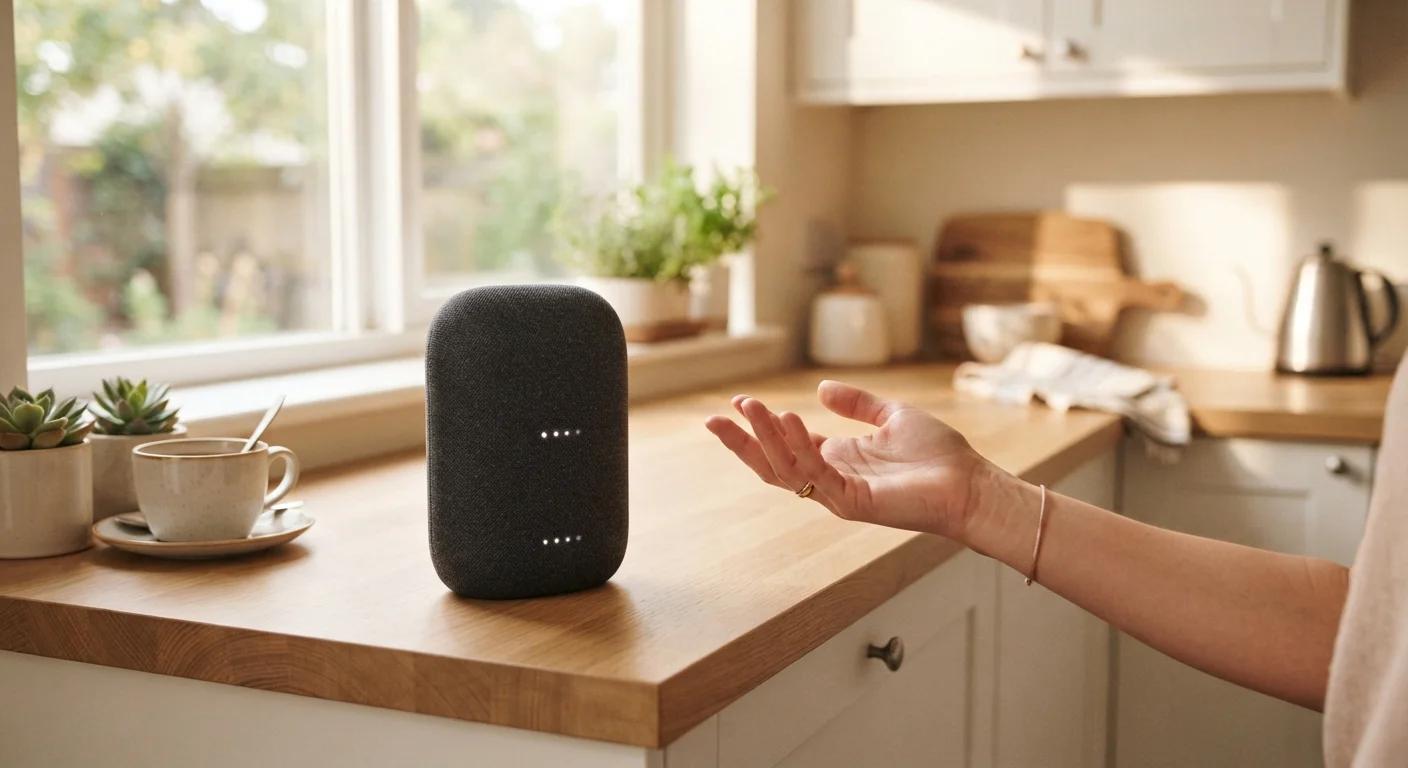
Photo: DockedReads.com | Information Made Easy editorial
Key Takeaways
- Smart speakers excel at quick, voice-driven tasks like timers, reminders, and music playback.
- Their usefulness expands significantly when paired with compatible smart home devices.
- Accuracy drops sharply for complex questions, nuanced tasks, or offline scenarios.
- Always-on microphones raise legitimate privacy considerations worth understanding.
- Voice assistants work best as supplements to other tools, not replacements.
Hands-free convenience for common daily tasks
Timers, unit conversions, reminders, and quick web lookups can all be triggered by voice while your hands are occupied — a genuine usability advantage in kitchens, workshops, and similar contexts.
Solid entry point for home automation
Compatible smart lights, plugs, and thermostats can all be controlled by voice once linked, making routine adjustments faster without opening an app.
Always-available, low-effort music and audio
Streaming music, podcasts, news briefings, and audiobooks require just a spoken request, with no need to unlock a phone or navigate an interface.
Useful for accessibility and mobility-limited users
For people who find touchscreens or keyboards difficult, voice control can meaningfully expand independent access to information and home controls.
Routine and multi-step automation reduces friction
Custom routines — for example, a morning sequence that reads weather and starts the coffee maker — can consolidate several actions into a single phrase.
Heavily dependent on a reliable internet connection
Most core features require cloud connectivity; an outage or slow Wi-Fi can render the device nearly useless for anything beyond a basic alarm or Bluetooth pairing.
Accuracy degrades for complex or nuanced queries
Voice assistants perform poorly on multi-step reasoning, specific factual research, or tasks requiring judgment — returning incomplete or incorrect information with the same confident tone as correct answers.
Always-on microphones raise privacy considerations
Devices listen continuously for a wake word, and false activations can result in unintended recordings; users should review platform data policies and use the mute button when privacy matters.
Ecosystem lock-in limits device compatibility
Smart speakers often work best — sometimes exclusively — with smart home products from the same platform family, which can constrain your choices when expanding your setup.
Software support has a finite lifespan
Platforms may stop issuing updates to older models, leaving functional hardware with a voice assistant that falls behind current capabilities or loses certain features over time.
What Smart Speakers Actually Do Day to Day
A smart speaker is essentially a microphone, a speaker, and a constant internet connection bundled into one device. When you speak a wake word — like "Hey" followed by the assistant's name — the device sends your voice query to cloud servers, processes the request, and delivers a response in seconds. Understanding this basic loop clarifies both why smart speakers are useful and where they stumble.
For routine tasks, smart speakers are genuinely efficient. Setting a five-minute kitchen timer, playing a playlist, checking tomorrow's weather, converting cups to milliliters mid-recipe — these are handled quickly and hands-free. That last part matters more than it sounds: when your hands are full of raw dough or you're driving and asking your phone-linked speaker for directions, voice is simply faster and safer than typing.
They also serve as entry points into home automation. If you already have compatible smart lights, locks, or thermostats, a smart speaker can become a central voice interface for all of them. For a fuller picture of how those connections actually work, see how your gadgets talk to each other.
Hands-free convenience for common daily tasks
Timers, unit conversions, reminders, and quick web lookups can all be triggered by voice while your hands are occupied — a genuine usability advantage in kitchens, workshops, and similar contexts.
Solid entry point for home automation
Compatible smart lights, plugs, and thermostats can all be controlled by voice once linked, making routine adjustments faster without opening an app.
Always-available, low-effort music and audio
Streaming music, podcasts, news briefings, and audiobooks require just a spoken request, with no need to unlock a phone or navigate an interface.
Useful for accessibility and mobility-limited users
For people who find touchscreens or keyboards difficult, voice control can meaningfully expand independent access to information and home controls.
Routine and multi-step automation reduces friction
Custom routines — for example, a morning sequence that reads weather and starts the coffee maker — can consolidate several actions into a single phrase.
Where They Fall Short
The same cloud-dependent architecture that enables fast responses creates real vulnerabilities. Without a working internet connection, most smart speakers drop to near zero functionality — they can't answer questions, control remote services, or stream audio. Even with connectivity, complex or multi-step requests frequently produce wrong or incomplete answers.
Voice assistants are pattern-matching systems trained on large datasets, not reasoning engines. Ask one to summarize a long news story, draft a thoughtful email, or troubleshoot a specific appliance error code, and the results range from shallow to outright incorrect. They also struggle with strong accents, background noise, and ambiguous phrasing — reliability varies by speaker, room acoustics, and distance from the device.
Privacy is an equally legitimate concern. Always-on microphones listen for a wake word continuously, and accidental activations — where the device records a conversation it wasn't meant to hear — do occur. Major platform providers publish policies about how voice data is stored and reviewed, but those policies are dense and subject to change. If that trade-off is uncomfortable, it's worth investigating your device's manual mute option and privacy settings before relying on the speaker heavily.
Heavily dependent on a reliable internet connection
Most core features require cloud connectivity; an outage or slow Wi-Fi can render the device nearly useless for anything beyond a basic alarm or Bluetooth pairing.
Accuracy degrades for complex or nuanced queries
Voice assistants perform poorly on multi-step reasoning, specific factual research, or tasks requiring judgment — returning incomplete or incorrect information with the same confident tone as correct answers.
Always-on microphones raise privacy considerations
Devices listen continuously for a wake word, and false activations can result in unintended recordings; users should review platform data policies and use the mute button when privacy matters.
Ecosystem lock-in limits device compatibility
Smart speakers often work best — sometimes exclusively — with smart home products from the same platform family, which can constrain your choices when expanding your setup.
Software support has a finite lifespan
Platforms may stop issuing updates to older models, leaving functional hardware with a voice assistant that falls behind current capabilities or loses certain features over time.
For a broader view of how the word "smart" shapes what a device can and can't do, this explainer on what smart really means in gadgets is a useful companion read.
Getting More Out of What You Already Have
Most people use only a fraction of what their smart speaker can do — not because they lack curiosity, but because the setup steps for expanded features aren't obvious. Skills, actions, and routines (the terminology varies by platform) let you chain commands together or trigger sequences from a single phrase. Setting up an evening routine that dims lights, plays ambient sound, and reads tomorrow's calendar in one go takes minutes to configure and pays off daily.
Pairing your speaker with a broader smart home ecosystem multiplies its usefulness significantly. Getting started with smart home devices walks through compatibility basics and where to begin without overcomplicating things. Start with one or two compatible devices — a smart plug or a bulb — before building out, to confirm your speaker and devices actually communicate reliably.
Mute Switches Are a Hardware Feature
Keep in mind that software support cycles affect longevity. Platforms occasionally discontinue older speaker models, meaning voice assistant updates may stop arriving even if the hardware still works. What determines how long a gadget lasts covers these factors in practical detail.
~35%
U.S. adults who own a smart speaker
Pew Research Center survey data indicates roughly one-third of U.S. adults reported owning a smart speaker as of recent years, reflecting mainstream but not universal adoption.
Top 3
Most common uses: music, timers, weather
Industry usage surveys consistently find that music playback, setting timers or alarms, and checking weather account for the majority of daily smart speaker interactions.
The content on this site is for informational purposes only and is not a substitute for professional advice. Always consult a qualified professional for guidance specific to your situation.