
Wi-Fi, Bluetooth, and Zigbee: How Your Gadgets Actually Talk to Each Other

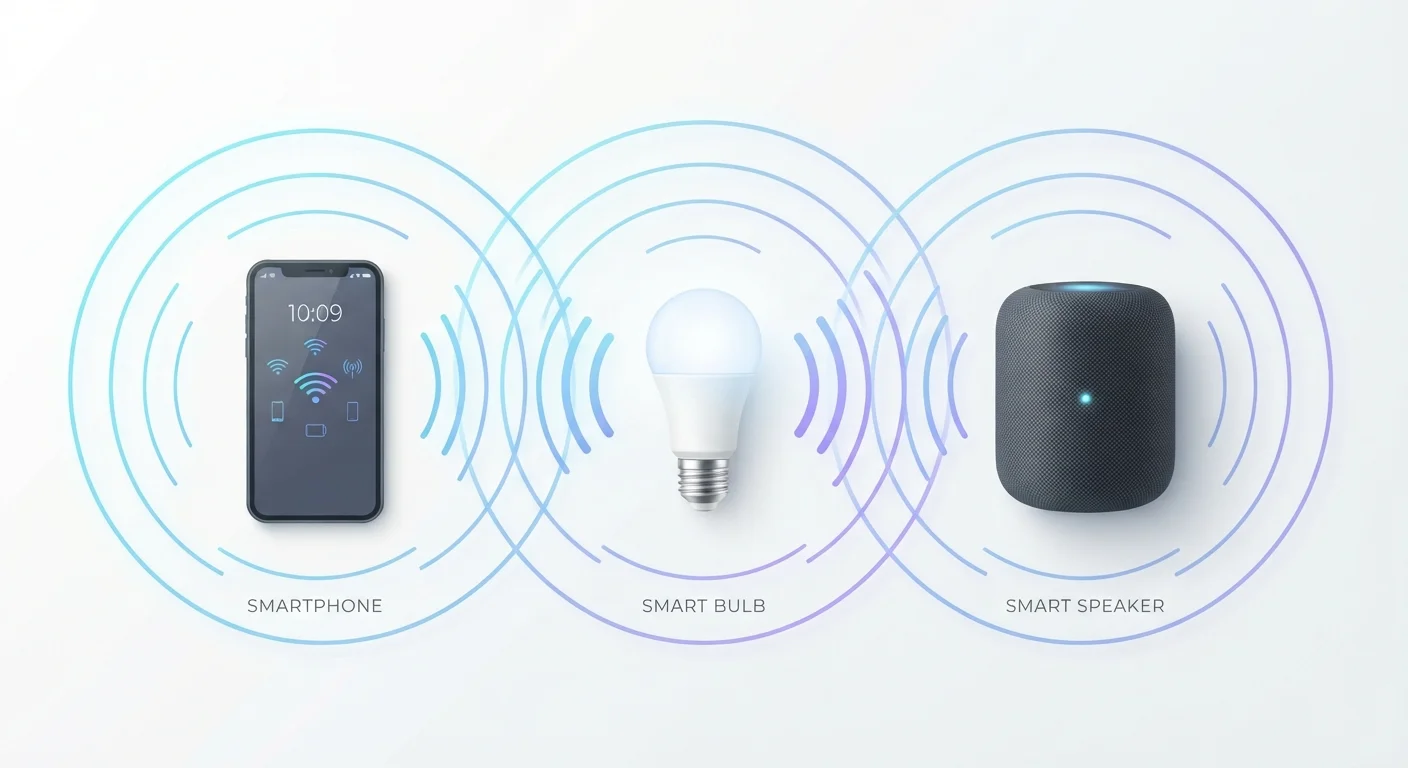
Photo: DockedReads.com | Information Made Easy editorial
Key Takeaways
- Wi-Fi offers the highest bandwidth but drains battery faster than other wireless standards.
- Bluetooth is ideal for personal, short-range audio and accessory connections with minimal setup.
- Zigbee creates a low-power mesh network suited to smart home sensors and switches.
- Your choice of protocol affects range, battery life, reliability, and how devices are set up.
- Many modern smart devices support multiple protocols to balance speed and efficiency.
Why the Protocol Behind a Device Matters
When you connect a gadget wirelessly — whether it's a smart bulb, a pair of headphones, or a security camera — it isn't just "going wireless." It's using a specific radio protocol: a defined language governing how devices broadcast, discover each other, and exchange data. The protocol chosen by a manufacturer directly shapes how the device behaves in your home.
Three standards dominate the everyday gadget landscape: Wi-Fi, Bluetooth, and Zigbee. Understanding what separates them helps explain why one smart switch pairs in seconds while another needs a hub, or why your wireless earbuds don't eat through their battery the way a security camera does. See our guide to what 'smart' really means for broader context on how connected devices work.
Wi-Fi, Bluetooth, and Zigbee: Side-by-Side
Each protocol occupies a distinct role based on range, power consumption, and the type of data it's designed to carry. Here's how they compare across the criteria that matter most in practice.
| Wi-Fi | Bluetooth | Zigbee | |
|---|---|---|---|
| Typical range | 100–300 ft (indoors) | 30–100 ft | 30–300 ft (mesh extends range) |
| Power consumption | High | Low to moderate (BLE: very low) | Very low |
| Data speed | High (Mbps range) | Moderate (up to ~3 Mbps) | Low (~250 kbps) |
| Requires a hub? | No — connects to router | No — pairs directly | Usually yes |
| Network topology | Star (all connect to router) | Point-to-point | Mesh |
| Common use cases | Cameras, TVs, smart speakers | Headphones, keyboards, wearables | Sensors, bulbs, smart switches |
| Max devices per network | Limited by router capacity | ~7 active per connection | Hundreds in a mesh |
One detail worth noting: Wi-Fi devices connect directly to your home router and reach the internet without extra hardware. Bluetooth devices pair point-to-point — usually phone to device — with no router required. Zigbee devices communicate with each other in a mesh network (meaning signals can hop from device to device) but typically need a hub or bridge to reach the internet or your phone.
Where Each Protocol Actually Shows Up
Wi-Fi
Wi-Fi operates on the same 2.4 GHz and 5 GHz radio bands as your laptop. Its high bandwidth — the volume of data it can move — makes it the standard for anything that streams: video doorbells, security cameras, and smart TVs. The tradeoff is power draw; Wi-Fi chips consume significantly more energy, which is why battery-powered Wi-Fi devices need charging frequently.
Bluetooth
Bluetooth is optimized for short-range, person-to-device connections — headphones, keyboards, mice, fitness trackers, and car audio. Its modern variant, Bluetooth Low Energy (BLE), extends battery life dramatically by sending small data packets in bursts rather than a constant stream. That's how a fitness band can run for weeks on a tiny battery. Range is typically 30 feet in real-world conditions.
Zigbee
Zigbee was designed specifically for low-power, low-data-rate smart home devices: light switches, motion sensors, door/window sensors, and smart plugs. Its mesh architecture means each Zigbee device can relay signals for others, so adding more devices often improves reliability rather than degrading it. The catch: you generally need a compatible hub to tie the network to your phone or home assistant. Consult our smart home beginner's guide before building out a Zigbee setup.
Mixing Protocols Is Normal — and Smart
Common Setup Pitfalls and How to Avoid Them
Most connection problems come from one of three sources: band conflicts, interference, or hub incompatibility.
- Wi-Fi band mismatch: Many smart home Wi-Fi devices only support the 2.4 GHz band, not 5 GHz. If your phone is connected to 5 GHz during setup, the device won't be found. Temporarily switching your phone to 2.4 GHz resolves this in most cases.
- Bluetooth interference: Microwaves, cordless phones, and dense Wi-Fi environments can degrade Bluetooth in the 2.4 GHz range. Keep audio devices away from appliance-heavy areas for stable connections.
- Zigbee hub compatibility: Not all Zigbee hubs support all Zigbee devices, even though Zigbee is an open standard. Check whether your hub's firmware version supports the specific device profile before purchasing.
For broader guidance on keeping your devices secure and running well, see why firmware updates matter — protocol chips receive patches just like any other software.
Watch for 'Works With' Claims
The content on this site is for informational purposes only and is not a substitute for professional advice. Always consult a qualified professional for guidance specific to your situation.