
Getting Started With Smart Home Devices: What to Know Before You Buy In

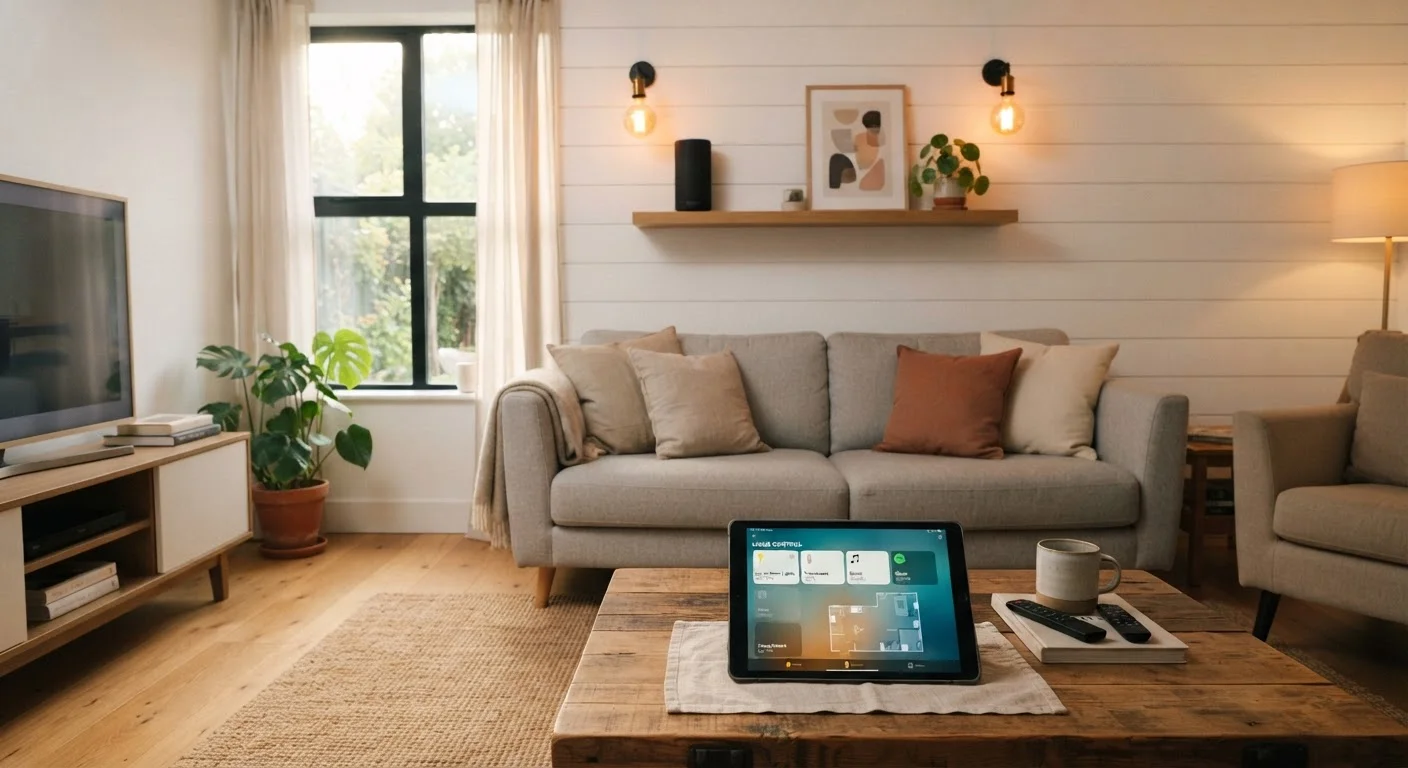
Photo: DockedReads.com | Information Made Easy editorial
Key Takeaways
- Smart home devices are most useful when they share the same ecosystem — choose one platform early.
- Wi-Fi, Bluetooth, Zigbee, and Z-Wave are common connection types; each has different range and setup requirements.
- Starting with one or two simple devices (a smart bulb or plug) avoids costly compatibility mistakes.
- Privacy settings matter — review app permissions and change default passwords before anything else.
- Matter, a newer standard, is making cross-brand compatibility easier for devices released after 2022.
What Is a Smart Home, Really?
A smart home is simply a residence where everyday devices — lights, thermostats, locks, outlets — can be controlled remotely or set to act automatically. The word "smart" means the device contains a processor and a wireless radio, letting it send and receive instructions over a network rather than responding only to a physical switch.
The practical value is convenience and, in some cases, efficiency. You might dim lights from the couch, have the thermostat cool down before you arrive home, or get an alert when a door opens. None of this requires a complete home renovation. Most people build a smart home gradually, one device at a time. For a broader look at upgrading your living spaces thoughtfully, the Home Improvement hub covers practical guidance across many areas of the home.
Ecosystem
A platform (like Amazon Alexa or Google Home) that connects and controls compatible smart devices. Devices within the same ecosystem work together; mixing ecosystems can cause compatibility problems.
Hub
A central device that acts as a translator between smart gadgets and your home network. Required by some wireless protocols (like Zigbee) that cannot connect directly to Wi-Fi.
Matter
A newer connectivity standard designed so smart devices from different brands can work together reliably. A Matter-certified device can work with Amazon, Google, and Apple platforms simultaneously.
Firmware
The built-in software that runs on a smart device, similar to an operating system. Keeping firmware updated helps fix bugs and close security vulnerabilities.
Mesh protocol
A networking approach (used by Zigbee and Z-Wave) where each device passes signals to its neighbors, extending the network's range without extra routers.
Smart plug
An adapter that plugs into a standard wall outlet and lets you control whatever is plugged into it remotely via an app or voice command, without any wiring.
Understanding Ecosystems: The Most Important Concept for Beginners
An ecosystem is the platform — Amazon Alexa, Google Home, or Apple HomeKit, for example — that acts as the control center for your devices. Think of it as the operating system for your smart home. Devices built for one ecosystem often work poorly or not at all within another.
Choosing your ecosystem first is the single most important decision a beginner can make, because it determines which devices will work together seamlessly. Consider which devices you already own: an Android phone and a Google Nest speaker point naturally toward Google Home; an iPhone and HomePod lean toward Apple HomeKit.
The Matter standard, introduced in 2022 and supported by most major platforms, is gradually improving cross-ecosystem compatibility. If a device box shows the Matter logo, it is designed to work across multiple platforms — a significant advantage for buyers who are not yet committed to one ecosystem.
Pick Your Ecosystem Before You Shop
How Smart Devices Connect: Wi-Fi, Bluetooth, and Beyond
Smart devices communicate using different wireless protocols, and knowing the basics prevents unpleasant surprises at setup.
- Wi-Fi: The most common option. Devices connect directly to your home router — no extra hardware needed. The trade-off is that each device uses a slot on your network, and routers have limits.
- Bluetooth: Suitable for short-range control (within a room). Often used for speakers and locks. Usually requires your phone to be nearby unless paired with a hub.
- Zigbee and Z-Wave: Low-power mesh protocols where devices relay signals between each other, extending range reliably. They typically require a separate hub (a small box that plugs into your router), but can support dozens of devices without straining your Wi-Fi network.
For most beginners, Wi-Fi-based devices are the easiest starting point because they need no extra hardware. Our companion article on smart speakers as everyday tools explores how one common Wi-Fi device performs in real daily use.
Where to Start: A Practical First Step
Resist the temptation to automate everything at once. A measured start saves money and prevents the frustration of incompatible devices piling up.
A sensible first purchase is a smart plug or a set of smart bulbs. Both are inexpensive, require no wiring, and teach you how app setup and voice control actually work before you invest in more complex devices. Once you are comfortable, a smart speaker or display can serve as a voice-control hub for the rest of your devices.
Before expanding, ask yourself three questions: Does this device work with my chosen ecosystem? Does it require a hub I do not own? Does the manufacturer have a track record of providing software updates? Checking these points early avoids the most common beginner mistakes. See also our guide on using gadgets safely at home for practical setup and storage tips.
Hub-Required vs. Hub-Free: Check the Box
Privacy and Security Basics You Should Know
Every internet-connected device is a potential entry point into your home network, so a few security habits are worth establishing from the start.
- Change default passwords immediately. Many devices ship with generic login credentials. Update these in the device app before anything else.
- Keep firmware updated. Manufacturers release updates that patch security vulnerabilities. Enable automatic updates where possible.
- Review app permissions. Smart home apps often request access to location data, microphone, or contacts. Grant only what is genuinely needed for the device to function.
- Consider a separate network. Many home routers allow you to create a guest Wi-Fi network. Putting smart devices on a separate network from your computers and phones limits potential damage if a device is ever compromised.
Smart devices collect usage data to varying degrees. Reading the privacy policy of any device you bring home — even at a high level — helps you understand what information leaves your house and how it is used.
Frequently Asked Questions
The content on this site is for informational purposes only and is not a substitute for professional advice. Always consult a qualified professional for guidance specific to your situation.