
What 'Smart' Actually Means in Everyday Gadgets

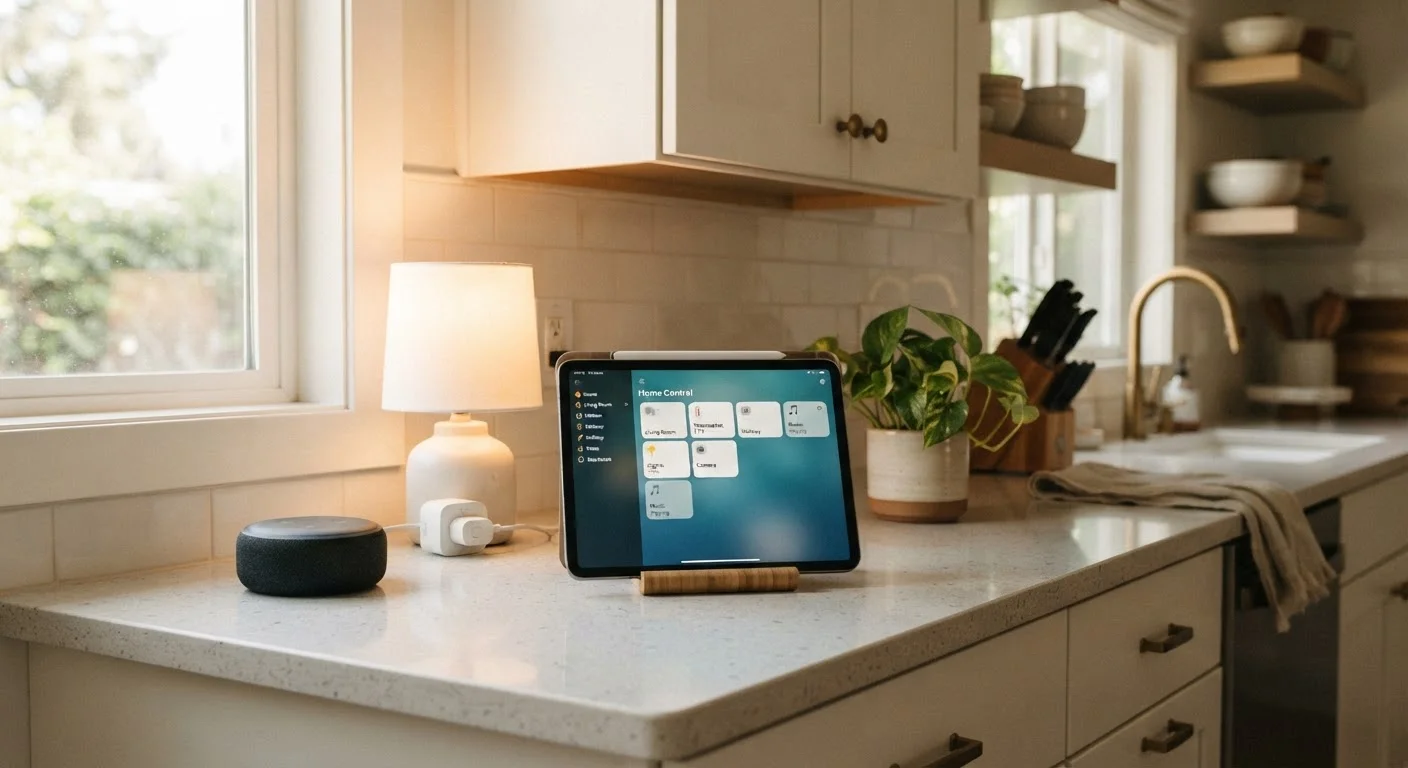
Photo: DockedReads.com | Information Made Easy editorial
Key Takeaways
- A gadget earns the 'smart' label by combining connectivity, a processor, and software-driven behavior.
- Smart devices can be controlled remotely, respond to schedules, and often work alongside other connected products.
- The smarts live in software — meaning features can improve or degrade over the device's lifetime.
- Connectivity choices (Wi-Fi, Bluetooth, Zigbee) affect how reliably a smart device works in your home.
- Privacy and longevity deserve attention: smart devices collect data and depend on ongoing software support.
The Three Ingredients That Make a Gadget 'Smart'
Walk down any electronics aisle and the word smart appears on everything from light bulbs to doorbells. It is not an accident. The label consistently points to the same three underlying components working together.
- A processor. Even a small, inexpensive chip lets a device run software, evaluate conditions, and make decisions — like dimming lights at sunset without you touching a switch.
- Wireless connectivity. A radio built into the device lets it send and receive data. That connection might go directly to your phone via Bluetooth, reach your home network over Wi-Fi, or pass through a hub using Zigbee or Z-Wave. See how these wireless standards differ for a plain-language breakdown of each option.
- Software that can change. A traditional thermostat does exactly what its dial allows. A smart thermostat runs firmware that can be updated to add new schedules, energy reports, or integrations — long after you buy it.
Strip away any one of these three, and the device is no longer truly smart. A Wi-Fi-enabled coffee maker with no processor logic is just a remotely switched appliance. The combination of all three is what creates genuinely adaptive behavior.
Not All 'Smart' Labels Are Equal
What 'Connected' Actually Enables in Practice
Connectivity unlocks four practical capabilities that non-smart devices simply cannot offer:
- Remote control. You can turn off a lamp you left on, check whether your garage door is closed, or preheat an oven — all from your phone, anywhere with a signal.
- Automation. Devices can respond to schedules, sensors, or triggers from other gadgets. A smart plug can cut power to a TV after the kids' screen-time limit expires.
- Status awareness. A smart smoke detector doesn't just beep; it pushes an alert to your phone and can specify which room triggered the alarm.
- Ecosystem participation. Smart devices from different manufacturers can often work together through shared platforms, letting a motion sensor trigger a smart light even if the two came from different companies.
If you are just beginning to explore these possibilities, getting started with smart home devices walks through how ecosystems work and where to begin simply.
Check the Ecosystem Before You Commit
The Hidden Trade-Offs Behind the Label
The word 'smart' is marketing shorthand, and it does not guarantee quality, reliability, or longevity. A few trade-offs are worth keeping in mind before committing to any connected device.
Software dependency cuts both ways. Firmware updates can add features, but they can also introduce bugs or strip away functions. Manufacturers may also end software support for older models, effectively reducing a once-capable device to a basic appliance — or worse, a paperweight. What determines how long a device lasts covers software support cycles in more detail.
Privacy is a real consideration. Every smart device is, by definition, a data-collection point on your home network. Understanding what a device reports, and to whom, is a reasonable step before you install it.
Complexity can multiply. A single smart bulb is easy. A home with thirty connected devices across four apps and two hubs introduces failure points that a home full of regular switches never had.
None of this means smart devices aren't worthwhile — many genuinely improve daily life. But treating 'smart' as a neutral description rather than an endorsement leads to better decisions about which gadgets actually serve your needs.
3+
Average connected devices per US household room
Industry research consistently finds that connected device counts in US homes have grown sharply as smart speakers, TVs, and lighting become mainstream.
~2–5 years
Typical software support window for smart devices
Many consumer smart device manufacturers provide firmware and security updates for roughly two to five years after a product launches, after which support may quietly end.
Frequently Asked Questions
The content on this site is for informational purposes only and is not a substitute for professional advice. Always consult a qualified professional for guidance specific to your situation.