
Gadget Longevity: What Actually Determines How Long a Device Lasts

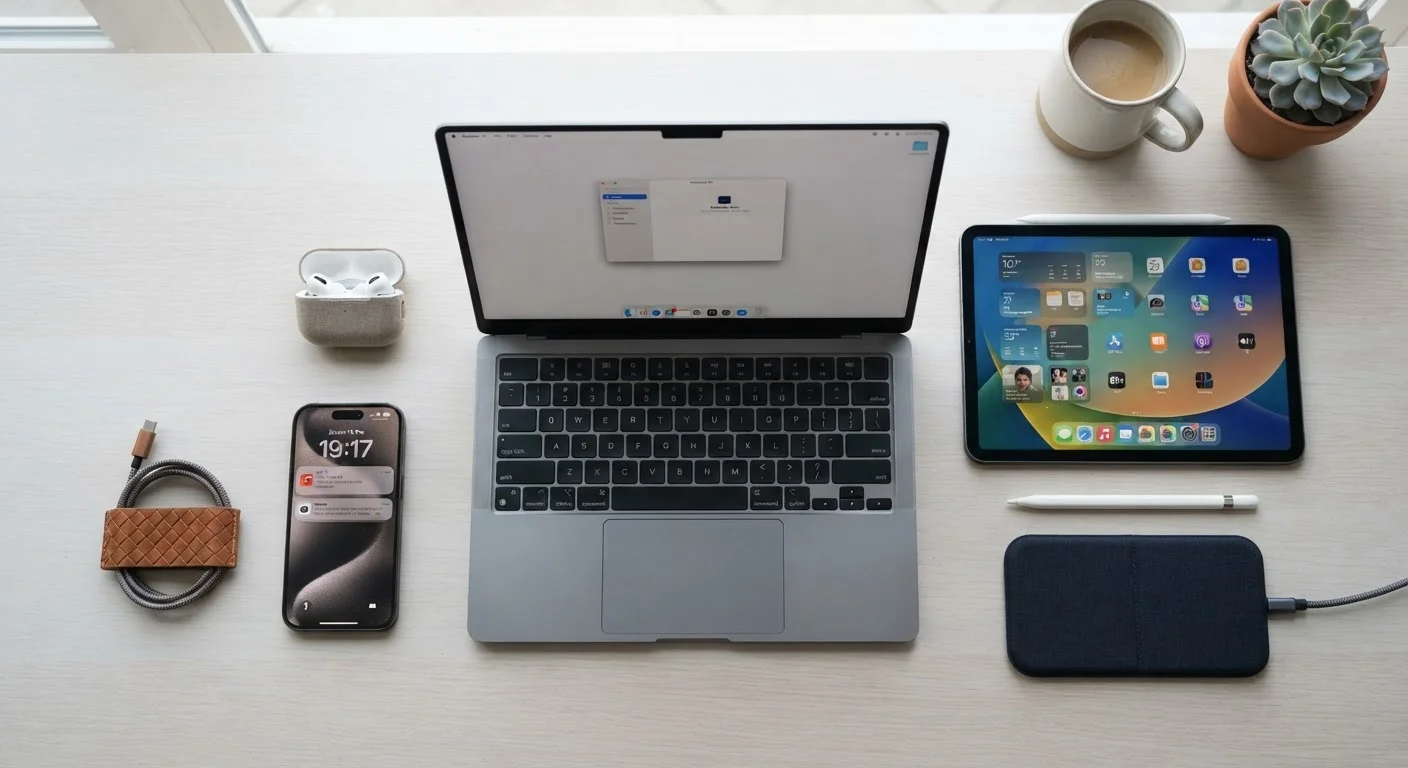
Photo: DockedReads.com | Information Made Easy editorial
Key Takeaways
- Heat is one of the single biggest threats to internal components across almost every device type.
- Battery health degrades over time regardless of use, but habits can slow that decline significantly.
- Software support cutoffs often end a device's useful life before the hardware fails.
- Physical build quality and repairability vary widely and directly affect how long a device can be maintained.
- Storage and charging habits have a measurable impact on long-term device performance.
Why Some Devices Last Five Years and Others Fail in Two
When a gadget stops being useful, the cause is rarely one thing. Longevity is the result of several overlapping factors — some controlled by the manufacturer, some by the environment, and some by everyday user habits. Understanding these factors helps you get more life out of devices you already own and make more informed decisions when considering a new one.
Two categories matter most: physical durability (how well the hardware holds up over time) and functional longevity (how long the device remains safe and capable in terms of software). A device can survive both categories or fail either one independently.
3–5 years
Typical useful life of a smartphone
Industry analysts generally cite three to five years as the practical lifespan for mainstream smartphones, accounting for both hardware durability and software support windows.
300–500 cycles
Typical lithium-ion battery charge cycle rating
Most consumer lithium-ion batteries are rated to retain around 80% of their original capacity after 300 to 500 full charge cycles, though this varies by device and usage conditions.
~25°C
Optimal operating temperature for most lithium-ion batteries
Battery manufacturers commonly cite room temperature (around 25°C / 77°F) as the optimal range for lithium-ion performance and longevity; sustained heat above this range accelerates capacity loss.
Heat: The Hidden Accelerant of Hardware Wear
Sustained heat is one of the most damaging forces acting on consumer electronics. Lithium-ion batteries — the power source in phones, laptops, earbuds, and tablets — degrade faster at elevated temperatures. The chemical reactions inside the battery cells accelerate with heat, permanently reducing the amount of charge they can hold.
Beyond batteries, internal components such as processors and circuit boards are also vulnerable. Repeated heat cycling (warming up and cooling down) can stress solder joints and connections over years of use. Devices that run hot frequently — due to heavy workloads, poor ventilation, or consistently warm environments — tend to show hardware fatigue earlier.
Practical steps that help: keep devices out of direct sunlight, never leave them in a hot car, and make sure laptop vents are not blocked by soft surfaces like pillows or bedding. Our guide on using gadgets safely at home covers storage and environmental habits in more detail.
Simple Habits That Reduce Heat Stress
Software Support: When the Clock Runs Out
Hardware lasting a decade means little if the software stops being supported in year four. Manufacturers — whether of phones, tablets, or smart devices — set an end-of-life date for software updates. After that point, the device no longer receives security patches, meaning it becomes progressively more vulnerable to exploits and may lose compatibility with updated apps and services.
This is one of the most consequential and least-discussed factors in gadget longevity. A phone with a cracked screen can still be used safely. A phone that hasn't received a security update in two years carries real risk regardless of how pristine its hardware is.
Before assuming a device is outdated, it's worth checking the manufacturer's published support timeline — many companies now publish this information, and some have extended it in response to consumer and regulatory pressure.
Where to Find Software Support Timelines
Battery Health and Charging Habits
Every rechargeable battery has a finite number of charge cycles before its capacity meaningfully declines. A charge cycle is roughly equivalent to one full charge from 0% to 100%, though partial charges count proportionally. After several hundred cycles, most lithium-ion batteries retain noticeably less charge than when new.
Charging habits make a real difference. Consistently draining a battery to near zero before charging, or leaving it at 100% for extended periods, can speed up this degradation. Many devices now include settings to limit charge to 80% for overnight charging specifically to address this. For a deeper look at practical battery care, see our article on caring for rechargeable batteries.
Build Quality, Repairability, and Physical Care
The materials and construction of a device directly affect how well it handles daily physical stress. Devices with sealed, non-removable batteries or proprietary fasteners are harder — and sometimes impossible — to repair cost-effectively, which effectively shortens their useful life even when a simple component replacement could otherwise extend it.
Physical care has a compounding effect over time. Drops, exposure to moisture, and dust accumulation each add incremental stress. Cases and screen protectors reduce impact risk. Keeping charging ports clean and dry prevents corrosion that can interfere with connectivity. The ports on your devices carry both power and data, making their physical condition more important than many users realize.
Repairability is increasingly a factor worth considering: some manufacturers publish repair manuals and supply spare parts, while others design products that make self-repair impractical. The practical upshot is that a well-built, repairable device cared for attentively will almost always outlast a device that lacks those qualities — regardless of the original purchase price.
Frequently Asked Questions
The content on this site is for informational purposes only and is not a substitute for professional advice. Always consult a qualified professional for guidance specific to your situation.