
Caring for Rechargeable Batteries So They Last Longer

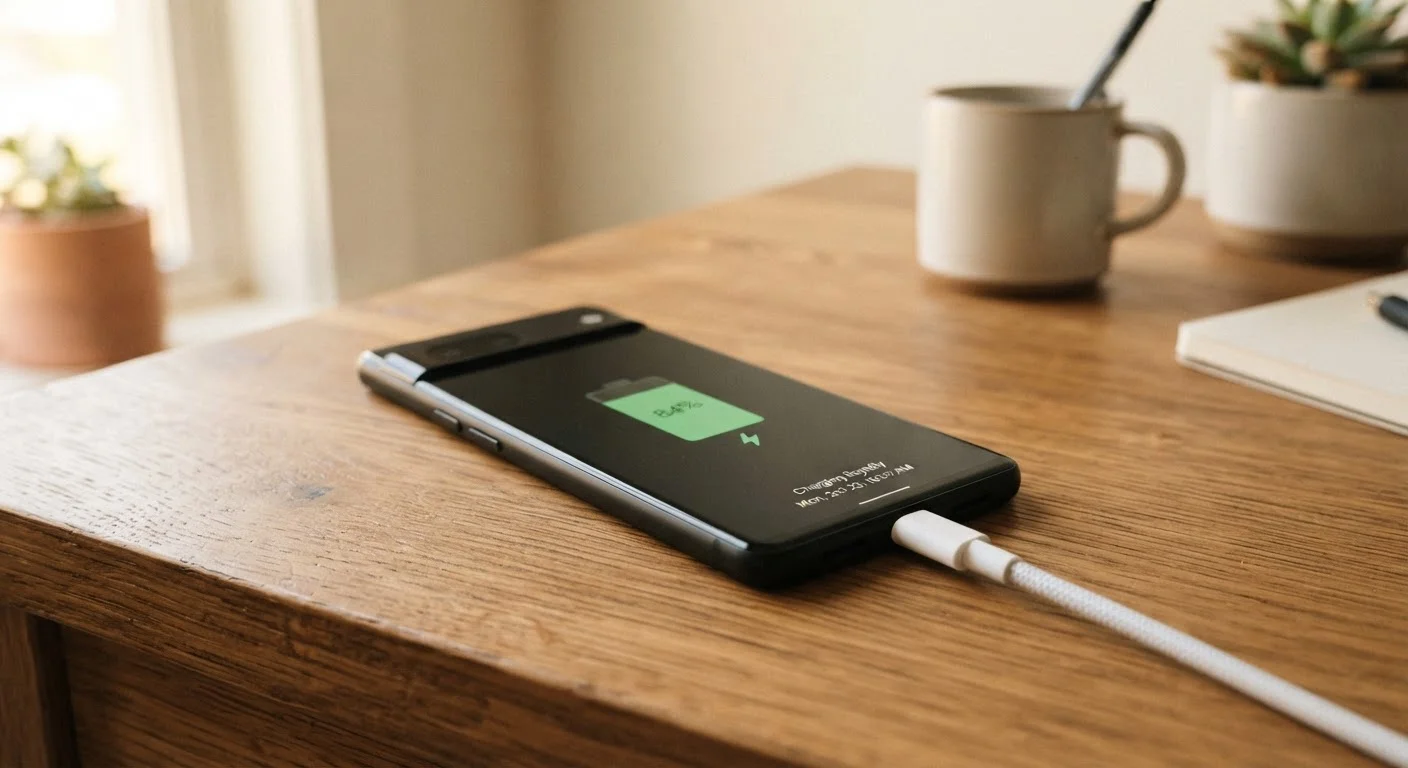
Photo: DockedReads.com | Information Made Easy editorial
Key Takeaways
- Keeping lithium-ion batteries between 20% and 80% charge preserves their long-term capacity.
- Heat is the single biggest enemy of rechargeable battery health — avoid hot environments during charging.
- Enabling built-in battery optimization features on phones and laptops can meaningfully slow capacity loss.
- Partial charges are generally healthier for lithium-ion batteries than full discharge cycles.
- Storage habits matter: devices kept at extreme charge levels for weeks degrade faster.
Why Battery Care Actually Matters
Most rechargeable devices — phones, earbuds, laptops, tablets — use lithium-ion (Li-ion) batteries. These batteries have a finite number of charge cycles before their capacity noticeably declines. A charge cycle is roughly one full discharge and recharge, though partial charges count proportionally. Most Li-ion batteries are rated for 300 to 500 full cycles before dropping to about 80% of their original capacity.
The good news is that a battery's rated cycle count assumes average usage. Habits that reduce heat, avoid extreme charge levels, and limit unnecessary full discharges can extend useful battery life well beyond the manufacturer's baseline estimate. For context on how batteries fit into overall device longevity, see our article on what actually determines how long a device lasts.
Best Practices for Preserving Battery Health
The following practices apply broadly to phones, laptops, wireless earbuds, and similar Li-ion powered devices.
Keep your battery charge between 20% and 80% as a general rule.
Avoid exposing charged devices to high heat.
Use the charging speed appropriate to your situation.
Enable your device's built-in battery optimization settings.
Avoid full discharges unless the device requests a calibration.
Charging Smarter Every Day
Most modern devices include software tools designed to slow battery aging — but they only help if you use them. On iPhones, Optimized Battery Charging learns your routine and pauses charging at 80% until shortly before you typically unplug. Android devices from several manufacturers offer similar scheduled or limited charging modes. Laptops from major manufacturers increasingly include settings to cap charging at 80% for devices that spend most of their time plugged in.
Use Software Limits Before You Buy Accessories
Wireless charging generates more heat than wired charging, which can contribute to slightly faster capacity loss over time. Our comparison of wired and wireless charging covers the real-world tradeoffs in more detail. Also, if you've heard that overnight charging damages batteries, the evidence is more nuanced than the common claim suggests.
Storage and Long-Term Care
If you're setting a device aside for weeks or months — a backup phone, a seasonal gadget, a spare laptop — the charge level you store it at matters.
Ideal Storage Charge Level
Charging safety is also worth keeping in mind. Using chargers and cables designed for your device, avoiding covered or enclosed spaces while charging, and not charging on soft surfaces like pillows reduces both heat buildup and fire risk. Our guide to using gadgets safely at home covers these considerations in full. Battery care for Li-ion devices differs meaningfully from lead-acid car batteries; for the latter, see our separate piece on car battery health.
~80%
Capacity retained after 500 full charge cycles
Li-ion battery specifications from major device manufacturers commonly cite 80% capacity retention at 500 cycles under standard conditions.
20°C–25°C
Optimal operating temperature range for Li-ion batteries
Battery research consistently identifies moderate room temperature as the range that minimizes stress and maximizes the useful life of lithium-ion cells.
The content on this site is for informational purposes only and is not a substitute for professional advice. Always consult a qualified professional for guidance specific to your situation.