
Why Your Gadgets Keep Losing Their Wi-Fi Connection

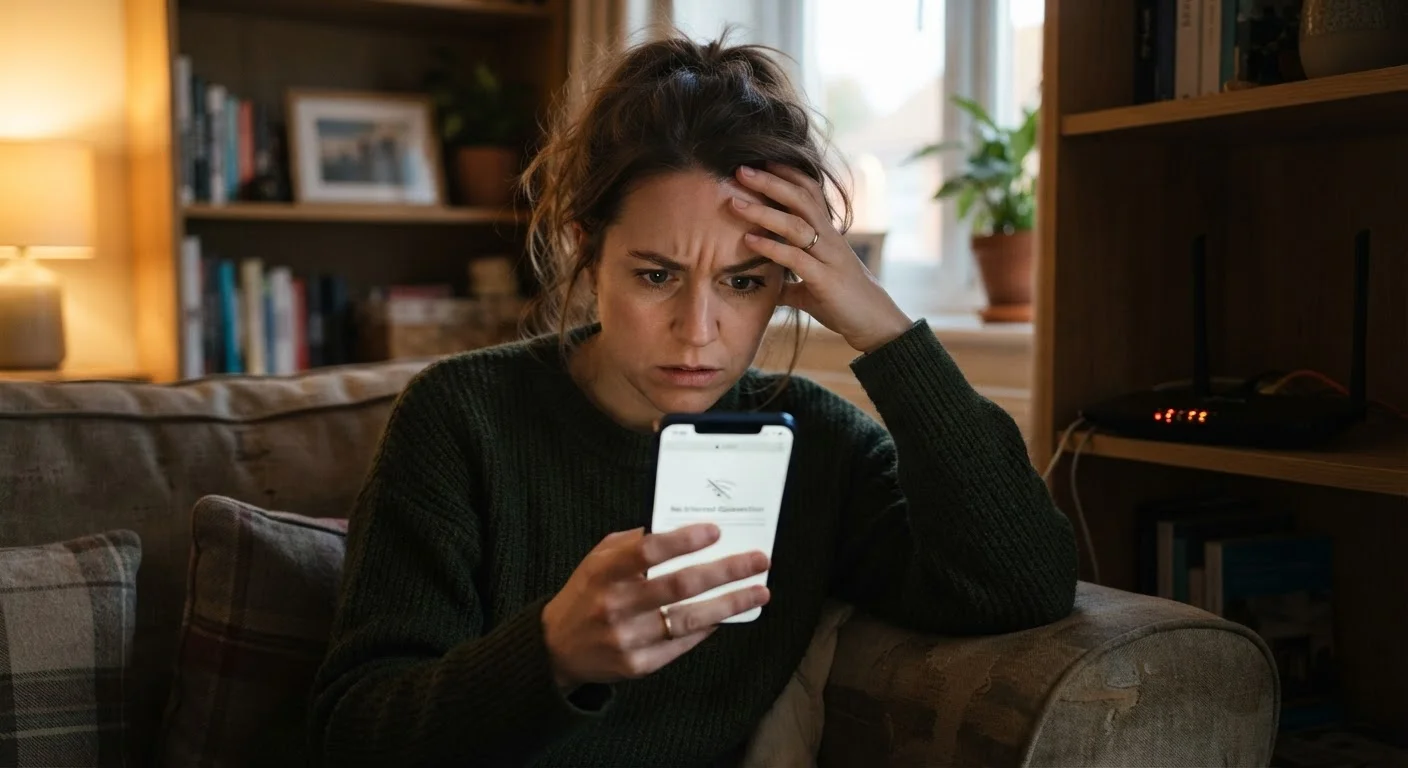
Photo: DockedReads.com | Information Made Easy editorial
Key Takeaways
- Most Wi-Fi disconnections stem from placement, interference, or outdated settings — not broken hardware.
- Router placement and physical obstructions have a larger impact on signal quality than most users realize.
- Keeping firmware and device software updated significantly reduces unexplained connection drops.
- Overcrowded Wi-Fi channels and too many simultaneous devices are among the most overlooked causes.
- Simple changes like rebooting your router regularly or switching frequency bands can restore stability.
The Real Reason Your Connection Keeps Dropping
A gadget that keeps losing Wi-Fi is one of the most common frustrations in modern households — and also one of the most misdiagnosed. Many people assume the device is defective, the internet service is unreliable, or something is broken beyond their control. In most cases, the actual cause is a correctable setup or environment issue.
Wi-Fi signals are radio waves. They behave predictably: they weaken with distance, bounce off and get absorbed by walls, and compete with signals from neighboring networks and other household electronics. Understanding that behavior is the first step toward stable connections. The mistakes below cover the most frequent reasons gadgets drop their connection — and what to do about each one.
2.4 GHz vs 5 GHz
The two most common Wi-Fi frequency bands
The 2.4 GHz band travels farther but is more prone to interference; 5 GHz offers faster speeds over shorter distances — choosing correctly for each device matters.
~30 ft
Typical range drop-off through walls
Concrete and brick walls can cut effective Wi-Fi range by roughly half, according to general radio frequency engineering principles.
Up to 13
Overlapping channels on 2.4 GHz band
In dense neighborhoods, neighboring routers sharing channels create interference that degrades connection quality for everyone in range.
Common Mistakes That Cause Wi-Fi Disconnections
The following errors appear repeatedly when diagnosing unstable connections in everyday homes. Most take only minutes to investigate and correct.
Placing the router in a closet, corner, or inside a cabinet far from the devices that use it most.
Leaving the router and connected devices on the same congested Wi-Fi channel as neighboring networks.
Allowing too many devices to connect simultaneously without accounting for bandwidth limits.
Ignoring a device's power-saving settings that automatically suspend the Wi-Fi adapter to conserve battery.
Skipping router and device firmware or software updates for months or years.
Connecting long-distance or obstacle-heavy devices to the 5 GHz band instead of 2.4 GHz.
Don't Overlook Router Firmware
Once you have addressed these common setup errors, it is also worth reviewing your broader network configuration. A stable connection and a secure one often go hand in hand — a home Wi-Fi security audit can help you catch gaps that affect both stability and safety.
Rebooting Alone Won't Solve Structural Problems
For households with smart home devices, streaming equipment, and aging gadgets all on the same network, connection quality can also reflect the overall lifespan of devices. What determines how long a device lasts can help you identify whether a chronic connection problem might signal that a device is reaching the end of its useful life.
The content on this site is for informational purposes only and is not a substitute for professional advice. Always consult a qualified professional for guidance specific to your situation.