
Free vs. Paid Software: What the Price Difference Usually Reflects

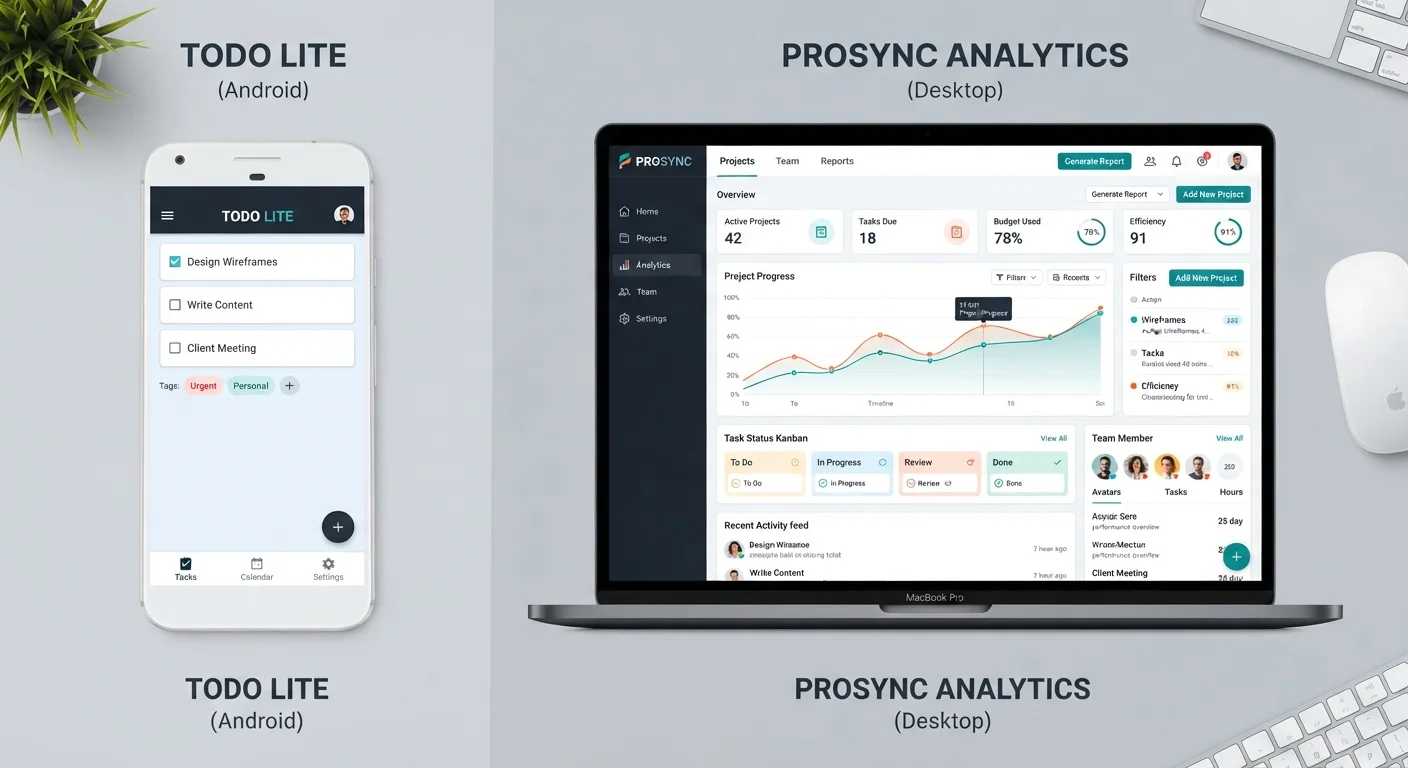
Photo: DockedReads.com | Information Made Easy editorial
Key Takeaways
- Free software often monetizes through ads, data collection, or feature limitations rather than user fees.
- Paid tiers typically offer deeper features, reliable support, and clearer data privacy terms.
- The right choice depends on how intensively you use the tool and what data you're comfortable sharing.
- Freemium models let you try core features before committing to a subscription.
- Hidden costs in free software — lost time, limited exports, ads — are worth factoring into any comparison.
Why Software Is Free in the First Place
When software costs nothing to download or sign up for, that pricing isn't accidental — it reflects a deliberate business decision. Developers cover costs through one or more of three common approaches: advertising displayed within the app, data monetization (using aggregated user behavior to serve ads or inform product decisions), or a freemium model that reserves key features for paying customers.
Open-source software operates differently. Community-maintained projects like LibreOffice or VLC are free because volunteers and organizations contribute code, not because a company is extracting value elsewhere. Understanding which model you're dealing with matters, because it shapes what you actually give up in exchange for zero cost.
Start with the Free Tier, Then Reassess
If you're assessing software for budget-tracking purposes, see how these tools fit into your broader expense categories in our comparison of budget-tracking approaches.
What Paid Tiers Typically Deliver
The price difference between free and paid software usually reflects one or more of the following concrete differences:
- Feature depth: Automation, advanced export formats, integrations with other tools, and higher usage limits are routinely gated behind paid plans.
- Customer support: Free users often rely on community forums; paying customers generally get priority email or live chat support.
- Data privacy terms: Paid plans more often include explicit commitments about not selling user data, and some offer regional data-residency options.
- Storage and capacity: Cloud storage allowances, file size limits, and the number of projects or users are frequently capped on free tiers.
- Ad-free experience: Removing ads isn't cosmetic — in productivity tools, interruptions carry a real time cost.
| Free Tier | Paid Tier | |
|---|---|---|
| Core features | Basic functionality only | Full or expanded feature set |
| Customer support | Community forums or FAQs | Priority email or live chat |
| Advertising | Often ad-supported | Typically ad-free |
| Data privacy | Data may fund the product | Clearer contractual commitments |
| Storage / capacity limits | Usually capped | Higher or unlimited |
| Continuity risk | Higher — tiers can change | More stable under contract |
Before committing to a recurring fee, it's worth understanding how software subscriptions work. Our guide to subscription software considerations covers the key questions to ask first.
The Hidden Costs of Free Software
Calling software "free" can obscure real costs that don't appear on an invoice. These are worth naming plainly:
- Attention and time
- Ad-supported tools interrupt workflow. Even brief interruptions add up across a workday.
- Data sharing
- Many free services are funded by aggregating usage data. The extent of this varies widely; always review a tool's privacy policy before entering sensitive information.
- Feature friction
- Artificial limits — such as a cap on the number of files you can export — are designed to nudge users toward upgrades. Working around them takes time.
- Vendor dependency
- Free tiers can be discontinued or restructured. Building core workflows around a free product carries continuity risk.
~58%
Adults using at least one freemium app
Survey data from various market research firms consistently places freemium software adoption above the majority of smartphone users in the US.
3–5×
Typical feature gap between free and paid tiers
Industry analyses of SaaS products commonly find paid plans include three to five times more active features than the free counterpart.
Thinking about software costs as part of your overall spending? It helps to classify them properly — see our plain-language breakdown of fixed, variable, and discretionary expenses for context.
How to Decide Which Tier Fits Your Situation
Neither free nor paid is categorically better. The right choice depends on how you answer a few practical questions:
- How often will you use it? Daily reliance on a tool shifts the value calculation toward a paid plan. Occasional use rarely justifies the cost.
- What data are you entering? Personal financial records, health information, or client data deserve tighter privacy guarantees than most free tiers provide.
- Which features do you actually need? List the capabilities you'll use in the first month. If they're all available on the free tier, start there.
- Is there a freemium option? If so, use it to test the product before paying. A free trial of the paid tier is even better — it lets you experience the full feature set under no obligation.
Software subscriptions are increasingly the norm, which means costs accumulate across tools. Treating them as part of a structured budgeting method can prevent subscription creep from going unnoticed.
The content on this site is for informational purposes only and is not a substitute for professional advice. Always consult a qualified professional for guidance specific to your situation.