
Subscription Software: What to Weigh Before Committing to a Monthly Plan

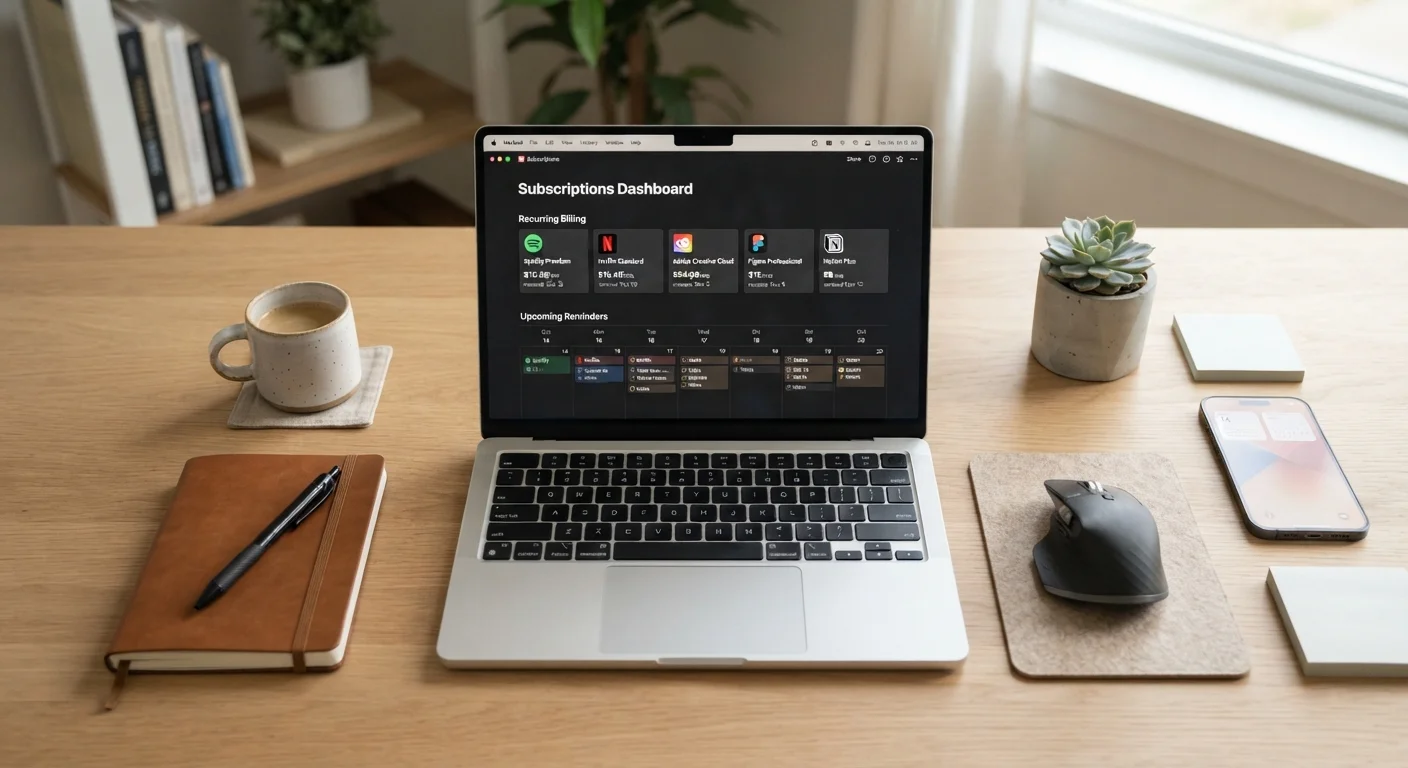
Photo: DockedReads.com | Information Made Easy editorial
Key Takeaways
- Subscription software typically includes automatic updates and cloud access, but costs accumulate over time.
- A perpetual license may cost more upfront but can be more economical for long-term, stable use.
- Auditing your active subscriptions regularly prevents paying for tools you no longer use.
- Data portability — your ability to export your files — should be confirmed before committing.
- Some software categories have moved entirely to subscription models, leaving perpetual options limited.
Automatic updates keep software current
Subscribers receive feature additions and security patches without manual upgrades or additional fees, reducing the risk of running outdated versions.
Lower upfront cost lowers the barrier to entry
Monthly plans spread the cost over time, making professional or specialized tools accessible without a large one-time purchase.
Cross-device and cloud access included
Most subscription tools sync work across computers, tablets, and phones automatically, supporting flexible working environments.
Flexibility to cancel when needs change
Monthly billing allows users to stop paying if a tool is no longer needed, unlike perpetual licenses which require a full upfront commitment.
Long-term costs can exceed perpetual license pricing
A subscription that costs $15/month totals $900 over five years — potentially more than a one-time license for comparable software would have cost.
Access ends when payments stop
Unlike a purchased license, canceling a subscription typically removes your ability to open or edit files within the application, even ones you created.
Data portability is not always guaranteed
Some platforms store files in proprietary formats that are difficult to export cleanly, creating lock-in that makes switching tools costly.
Subscriptions accumulate and are easy to forget
Small recurring charges are easy to overlook on bank statements, and unused subscriptions can quietly drain a budget for months before being noticed.
Feature changes are outside your control
Vendors can alter, remove, or restructure features in updates; unlike a fixed installed version, what you pay for today may function differently next quarter.
How Subscription Software Actually Works
Subscription software — sometimes called SaaS — means you pay a recurring fee (monthly or annually) to access an application. Unlike a traditional perpetual license, where you purchase a version outright and keep it indefinitely, a subscription typically grants access only while your payments are current. Cancel the subscription and your access ends, though your stored data may or may not remain accessible depending on the vendor's terms.
This model has become the standard for many productivity, creative, and business tools. Cloud synchronization, multi-device support, and rolling feature releases are built into the pricing structure. Understanding what you're actually paying for — and what you lose if you stop — is the essential starting point before agreeing to any recurring plan.
Perpetual Licenses Still Exist — But Are Rarer
The Genuine Advantages
Subscription plans aren't uniformly bad deals. For many users, they offer measurable benefits that justify the recurring cost.
Automatic updates keep software current
Subscribers receive feature additions and security patches without manual upgrades or additional fees, reducing the risk of running outdated versions.
Lower upfront cost lowers the barrier to entry
Monthly plans spread the cost over time, making professional or specialized tools accessible without a large one-time purchase.
Cross-device and cloud access included
Most subscription tools sync work across computers, tablets, and phones automatically, supporting flexible working environments.
Flexibility to cancel when needs change
Monthly billing allows users to stop paying if a tool is no longer needed, unlike perpetual licenses which require a full upfront commitment.
Continuous updates mean you're not stuck on an aging version, and security patches are typically applied automatically — a point worth understanding in the context of why software updates matter. Lower upfront costs also make professional-grade tools accessible to users who couldn't afford a large one-time purchase.
The Trade-Offs Worth Considering
The same structure that creates convenience can also create dependency and unexpected costs over time.
Long-term costs can exceed perpetual license pricing
A subscription that costs $15/month totals $900 over five years — potentially more than a one-time license for comparable software would have cost.
Access ends when payments stop
Unlike a purchased license, canceling a subscription typically removes your ability to open or edit files within the application, even ones you created.
Data portability is not always guaranteed
Some platforms store files in proprietary formats that are difficult to export cleanly, creating lock-in that makes switching tools costly.
Subscriptions accumulate and are easy to forget
Small recurring charges are easy to overlook on bank statements, and unused subscriptions can quietly drain a budget for months before being noticed.
Feature changes are outside your control
Vendors can alter, remove, or restructure features in updates; unlike a fixed installed version, what you pay for today may function differently next quarter.
Subscription costs accumulate quietly. A $15/month tool costs $180 per year — and $900 over five years. Multiplied across several subscriptions, these charges can represent a significant drain on a household budget. Tracking them as a dedicated line item in your monthly finances is a practical discipline; running a regular budget review is one structured way to surface charges you may have forgotten.
Questions to Ask Before You Subscribe
Before entering payment details, a few targeted questions can prevent regret later.
- Do I need it continuously, or just occasionally? Monthly plans suit frequent use; one-time or project-based needs rarely justify ongoing fees.
- Can I export my data? Confirm file formats and export options so your work isn't locked in if you leave.
- Is there a meaningful free tier or trial? Testing real workflows before committing is far more reliable than reading feature lists.
- What does the annual plan actually save? Annual billing typically costs less than month-to-month but reduces flexibility.
- Are alternatives available? Some categories — such as basic document editing — have capable free or one-time-purchase alternatives. Comparing these is worthwhile, as explored in comparing different tool approaches.
$273/yr
Average US consumer subscription spend
A 2022 C+R Research survey found US consumers underestimate their subscription spending by a significant margin compared to actual charges.
4 in 10
Subscribers unaware of all active plans
The same C+R Research survey found a substantial share of consumers were unable to accurately recall every active subscription they were paying for.
Managing Subscriptions You Already Have
Subscription accumulation is a well-documented pattern: users sign up, engage briefly, and then keep paying without reassessing value. A periodic audit — reviewing every active subscription against actual usage — is one of the simplest ways to recover money from your budget.
Practical steps include checking your bank or credit card statements for recurring charges, listing every tool by cost and frequency of use, and canceling anything that hasn't been opened in the past month. Building this into a broader digital organization habit helps; keeping your software organized covers routines that prevent this kind of digital and financial clutter from accumulating in the first place.
The content on this site is for informational purposes only and is not a substitute for professional advice. Always consult a qualified professional for guidance specific to your situation.