
Paper Ledger, Spreadsheet, or App: Weighing Your Budget-Tracking Options

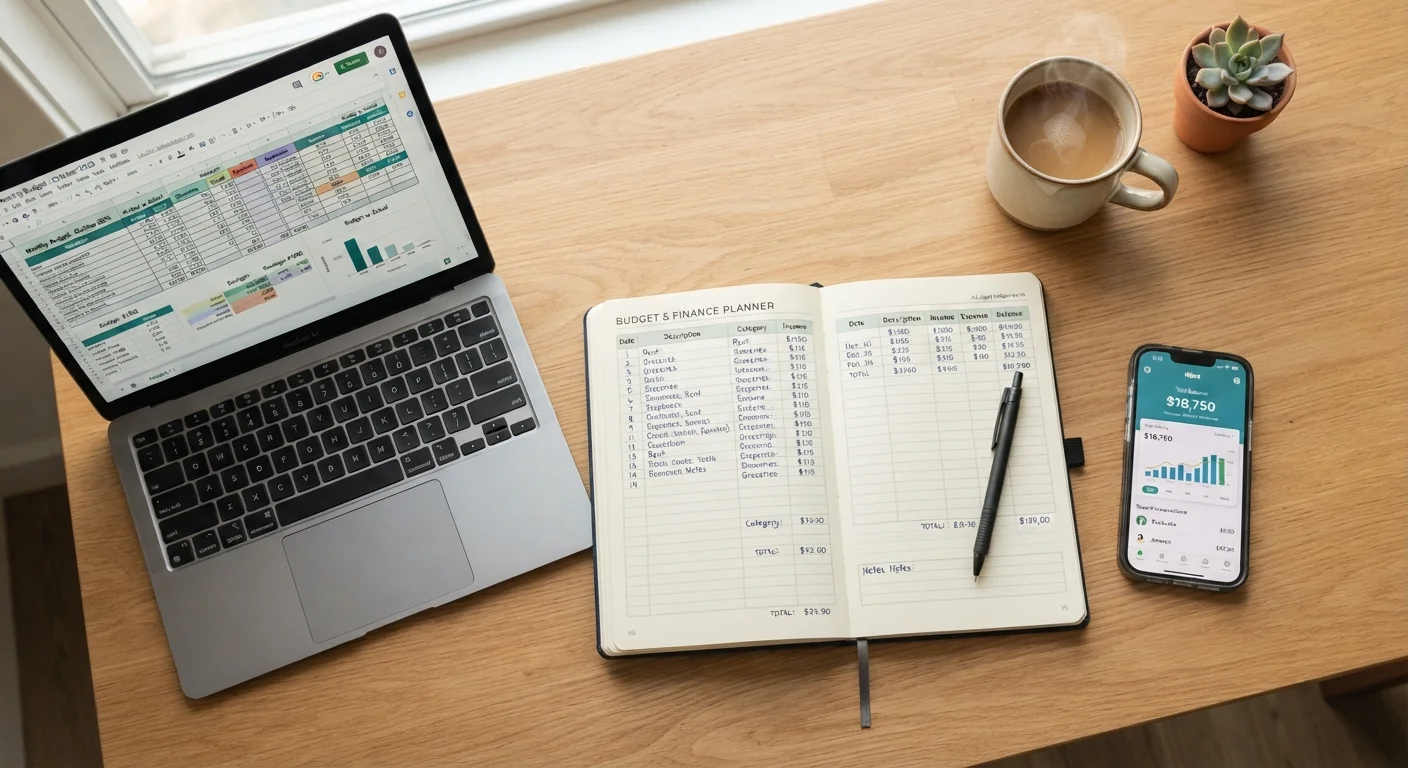
Photo: DockedReads.com | Information Made Easy editorial
Key Takeaways
- Paper ledgers build mindful spending habits through physical engagement but require consistent manual effort.
- Spreadsheets offer maximum customization and transparency at the cost of setup time and technical comfort.
- Budgeting apps automate data entry but introduce privacy considerations and potential subscription costs.
- Consistency with any method matters far more than which method you choose.
- Many people combine two approaches — for example, an app for day-to-day tracking and a monthly paper review.
Why the Method You Choose Actually Matters
A budget only works if you use it — and you're only likely to use it if the format fits how you naturally think and behave. Research in behavioral finance consistently finds that friction is the enemy of good financial habits: when tracking feels like a chore, it gets abandoned. That's the real reason choosing a method deserves careful thought, not just a quick download of the most popular app.
This article is general financial education, not personalized financial advice. For decisions tailored to your situation, consider speaking with a licensed financial professional. With that framing in place, here's how the three major tracking approaches compare. You can also explore the complete personal budgeting framework for broader context on where tracking fits into your overall plan.
The Paper Ledger: Deliberate and Distraction-Free
Writing expenses by hand creates a physical record of financial decisions. Psychologists refer to this as the "generation effect" — information you produce yourself tends to be better retained than information you simply read or scan. Many people who use paper ledgers report becoming more aware of discretionary spending simply because recording each purchase forces a brief moment of reflection.
Strengths:
- No software, subscription, or internet connection required
- Complete privacy — no data leaves a notebook
- Encourages deliberate, category-by-category thinking
- Works well alongside the cash envelope approach (see envelope budgeting explained)
Limitations:
- Calculations must be done manually, raising the risk of arithmetic errors
- Difficult to analyze trends across multiple months without extra effort
- Easy to fall behind if entries aren't made consistently
Start With What You'll Actually Use
A paper ledger suits those who make mostly cash transactions or who want a technology-free budgeting experience. It can feel burdensome for people with many small card transactions each week.
The Spreadsheet: Power and Flexibility at a Price
A well-built spreadsheet can replicate almost any budgeting framework — from zero-based budgeting to percentage-based allocation. Formulas handle arithmetic automatically, and conditional formatting can highlight when a category is overspent. Crucially, you control every cell: categories, time periods, and calculation logic are all yours to define.
Strengths:
- Fully customizable to your specific income structure and spending categories
- Easy to model scenarios (e.g., "What if rent increases by $200?")
- Free tools like Google Sheets sync across devices and require no specialist software
- Useful as a thinking tool well beyond budgeting — see how people use spreadsheets for everyday decision-making
Limitations:
- Setup requires meaningful time investment upfront
- Manual data entry (unless linked via third-party tools) remains necessary
- Errors in formulas can silently distort figures
- Less accessible for those uncomfortable with spreadsheet logic
| Paper Ledger | Spreadsheet | Budgeting App | |
|---|---|---|---|
| Setup effort | Minimal — just start writing | Moderate to high — build formulas | Low — guided onboarding |
| Ongoing effort | High — fully manual entry | Medium — manual with formula help | Low — largely automated |
| Customization | Unlimited but unstructured | Unlimited and structured | Limited to app design |
| Privacy | Complete — no digital data | High — stored locally or on your cloud | Lower — linked to financial accounts |
| Cost | Near zero | Free to low cost | Free tier or subscription fee |
| Trend analysis | Difficult — requires manual review | Strong with formulas and charts | Strong with built-in dashboards |
| Best for | Mindful, tactile trackers | Detail-oriented, flexible thinkers | Busy, tech-comfortable users |
For those on variable or freelance income, a spreadsheet's flexibility can be particularly valuable — budgeting on an irregular income explores frameworks that pair well with custom spreadsheet setups.
The Budgeting App: Convenience With Trade-Offs
Budgeting apps can connect directly to bank and credit card accounts, automatically categorizing transactions and updating your budget in near real-time. For people with complex spending patterns or those who forget to log purchases manually, that automation is genuinely valuable.
Strengths:
- Automatic transaction import reduces manual entry significantly
- Visual dashboards make it easy to spot trends at a glance
- Mobile access means you can check your budget at the point of purchase
- Many offer alerts when you approach category limits
Limitations:
- Connecting bank accounts raises data privacy considerations — understand an app's data policy before linking accounts
- Many capable apps sit behind a subscription paywall; understanding free vs. paid software trade-offs can help you evaluate whether a paid tier is worth it
- Automatic categorization is often imperfect and requires periodic correction
- App discontinuation or account lock-out can disrupt your financial records
Linking Bank Accounts: Read the Privacy Policy First
If you find yourself downloading several financial tools without maintaining any consistently, that may be a sign of app overload rather than a tools problem. Recognizing productivity app overload applies directly to personal finance software too.
Making the Choice — and Making It Stick
The comparison table above summarizes how these three methods stack up across practical criteria. But a table can only get you so far — adherence is the variable that matters most. Studies on habit formation suggest that pairing a new behavior with an existing routine significantly improves follow-through. Whichever method you choose, attaching your tracking habit to something you already do reliably (morning coffee, Sunday evening wind-down) tends to improve consistency.
Many practitioners also find that a hybrid approach works well: using an app for day-to-day transaction capture, then doing a monthly review on paper or in a spreadsheet to reflect on patterns. A structured monthly budget review is worth establishing regardless of which primary tool you use. For the evidence-based principles behind budgets that last, see budgeting habits that actually hold over time.
This article provides general financial education and is not a substitute for personalized financial advice. Consider consulting a licensed financial professional for guidance specific to your circumstances.
The content on this site is for informational purposes only and is not a substitute for professional advice. Always consult a qualified professional for guidance specific to your situation.