
Phishing Emails: The Tactics That Catch Even Careful People

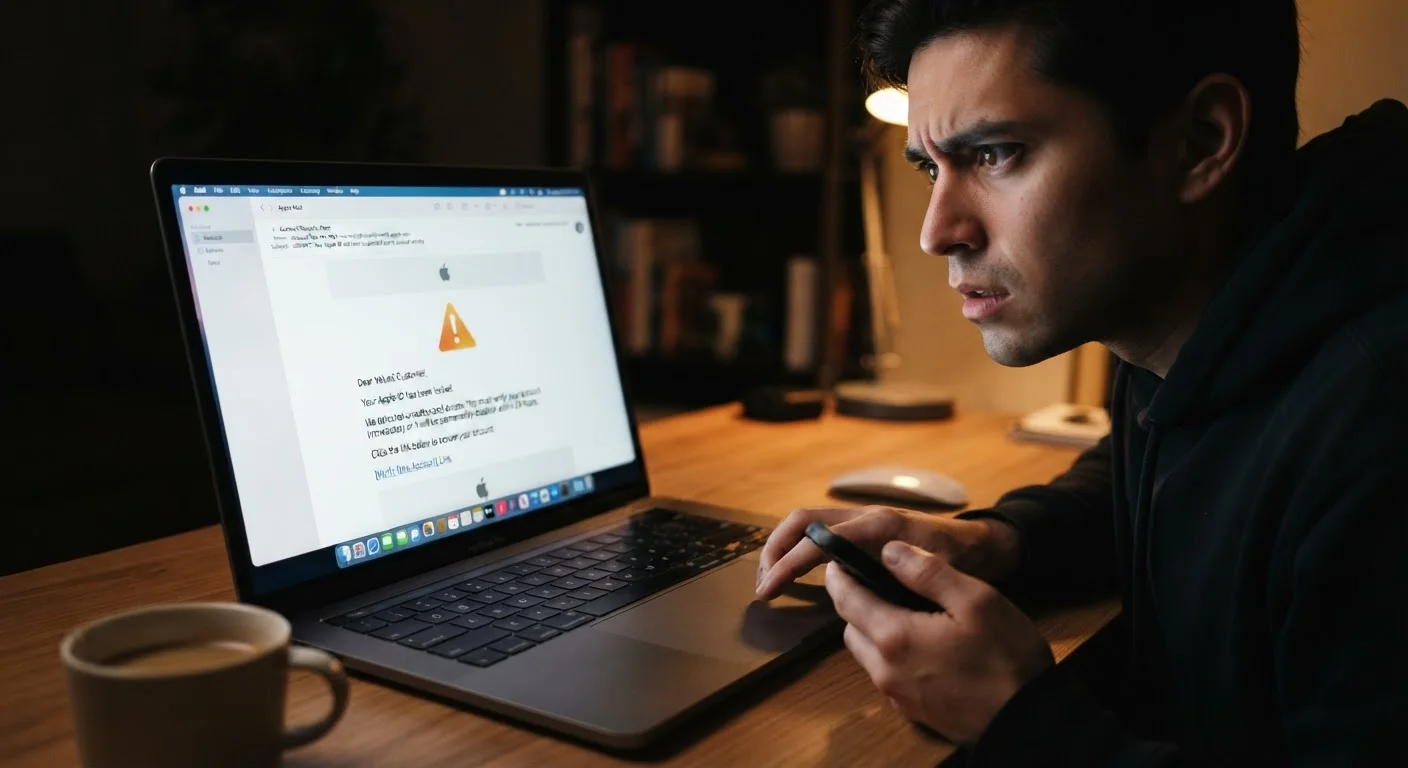
Photo: DockedReads.com | Information Made Easy editorial
Key Takeaways
- Phishing emails now mimic trusted brands with near-perfect visual accuracy, making visual inspection unreliable alone.
- Urgency and fear are deliberate psychological tools used to bypass your critical thinking.
- Hovering over links before clicking reveals mismatched or deceptive URLs that expose fraud.
- Even technically savvy people fall for spear phishing, which uses personalized details to appear credible.
- Reporting suspected phishing to your email provider and the impersonated organization helps protect others.
Why Phishing Still Works in 2024
Phishing — the practice of impersonating a trusted entity to steal login credentials, financial information, or personal data — is not a new threat. Yet it remains one of the most effective forms of cybercrime precisely because it targets human behavior rather than software vulnerabilities. According to the FBI's Internet Crime Complaint Center, phishing consistently ranks among the most reported cybercrime types year after year.
The reason even careful, informed people get caught is straightforward: the tactics have grown significantly more sophisticated. Attackers no longer send obvious, typo-filled messages from suspicious addresses. They craft emails that closely replicate the fonts, logos, tone, and sender addresses of banks, shipping carriers, employers, and government agencies. Understanding exactly how these tactics work is the most effective defense you have. For a broader look at beliefs that leave people vulnerable, see common online privacy myths that are worth revisiting.
Trusting a familiar logo or brand name without scrutinizing the actual sender address.
Clicking links inside an email because the message creates a sense of urgency or fear.
Assuming a personalized email — one that uses your name, employer, or recent activity — is automatically legitimate.
Entering credentials on a page reached through an email link because the page looks authentic.
Ignoring anomalies in an email because it passed an initial gut-check.
How to Verify Before You Act
Once you know what phishing emails are designed to exploit, a few reliable habits dramatically reduce your risk.
The Padlock Icon Does Not Mean Safe
Check the actual sender address, not just the display name. Email clients show a friendly name like "PayPal Support" in the inbox view, but the underlying address may be something unrelated. Expand or tap the sender field to see the full address. Legitimate organizations send from their own registered domains.
Hover before you click. On a desktop, hovering your cursor over any link reveals the destination URL in the browser's status bar or a tooltip. If the URL doesn't match the organization's known domain — or if it uses a lookalike domain (e.g., "paypa1.com" instead of "paypal.com") — do not click it.
Go directly to the source. If an email claims your account has been suspended or that a package is delayed, open a new browser tab and navigate to that company's website directly. Never use the email's links or buttons to "resolve" the issue. This one habit alone defeats most phishing attempts. For additional layers of account protection beyond recognizing phishing, the article on why strong passwords alone are no longer enough covers practical steps worth implementing.
#1
Most reported cybercrime type to the FBI
The FBI's Internet Crime Complaint Center has ranked phishing as the most reported cybercrime category in its annual reports for multiple consecutive years.
3.4B
Phishing emails sent per day (estimated)
Cybersecurity researchers estimate billions of phishing emails are distributed globally each day, targeting individuals, businesses, and government accounts alike.
If you receive a message you believe is fraudulent, report it. In most email clients you can mark a message as phishing or spam. You can also forward phishing emails to the Anti-Phishing Working Group at reportphishing@apwg.org, and to the FTC at reportfraud.ftc.gov. These reports contribute to broader threat tracking and help protect others. For a wider picture of how scams evolve beyond email, explore how common online scams operate.
The content on this site is for informational purposes only and is not a substitute for professional advice. Always consult a qualified professional for guidance specific to your situation.