
Locking Down Your Digital Life: A Comprehensive Privacy Playbook

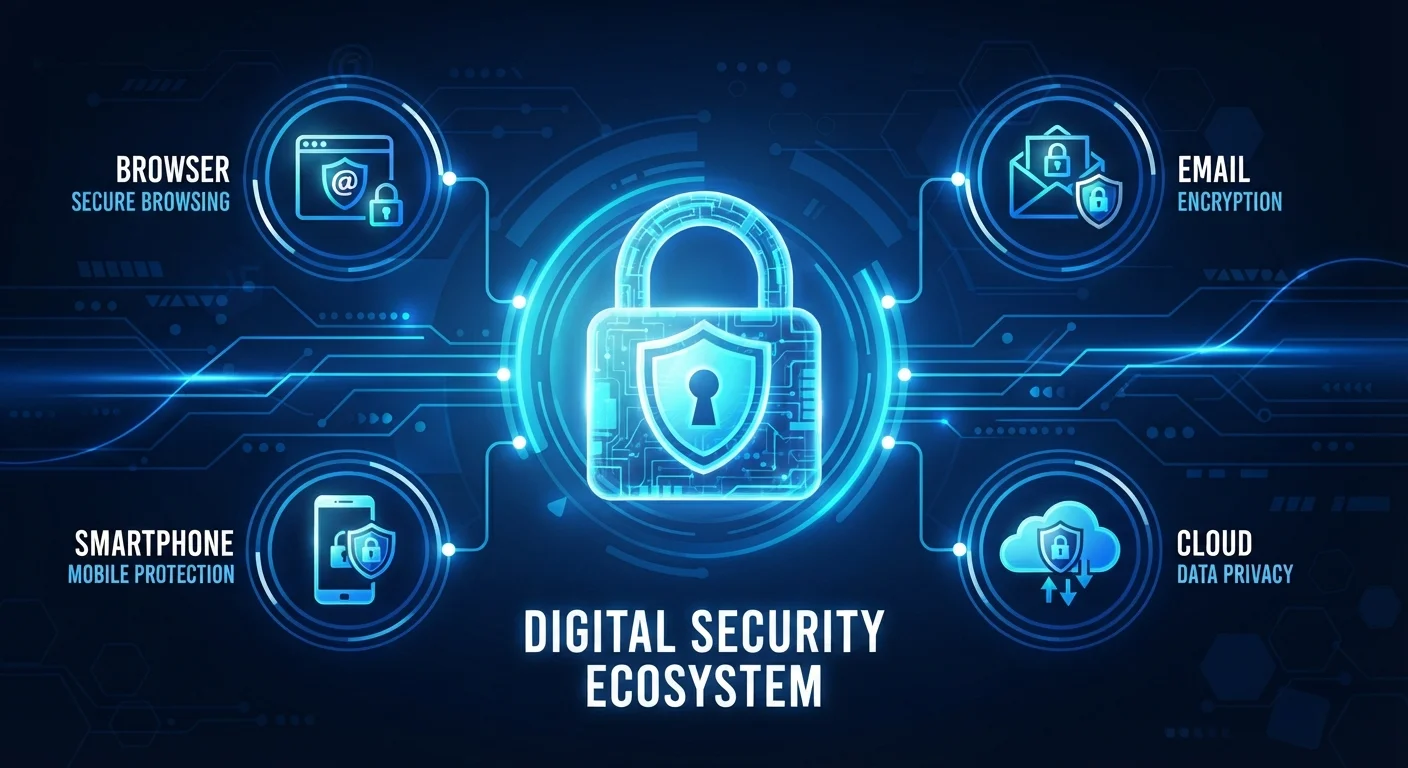
Photo: DockedReads.com | Information Made Easy editorial
Key Takeaways
- A password manager and two-factor authentication dramatically reduce the risk of account takeover.
- Browser settings and search engine choices directly affect how much data is collected about you.
- End-to-end encrypted messaging apps keep conversations readable only by sender and recipient.
- Smart home devices expand your network attack surface — securing the router is the first line of defense.
- Social media platforms offer granular privacy controls that most users have never reviewed.
- A brief monthly privacy audit keeps your protections current as apps and settings change.
Why Digital Privacy Matters for Everyday Users
Digital privacy is not only a concern for journalists or activists. Every time you search online, use an app, or connect a device to Wi-Fi, data about your habits, location, and preferences is generated and — depending on the service — stored, shared, or sold. That data shapes the ads you see, the prices you're offered, and in cases of a breach, it can expose passwords and financial details to bad actors.
The good news is that most meaningful privacy improvements require no technical background. They involve choosing the right settings, building a few consistent habits, and understanding which trade-offs you're comfortable making. This guide walks through each major area of your digital life, one practical step at a time. For a related look at physical device safety, see our guide to using gadgets safely at home.
81%
People who reuse passwords across accounts
According to LastPass's Psychology of Passwords report, the vast majority of users knowingly reuse passwords despite understanding the risks.
50%+
Data breaches involving stolen credentials
Verizon's Data Breach Investigations Report consistently finds that compromised login credentials are involved in more than half of confirmed breaches.
15+
Average connected devices per US household
Estimates from industry research suggest the typical American home now has over 15 internet-connected devices, each representing a potential entry point.
Securing Your Accounts with Strong Passwords and Two-Factor Authentication
Weak or reused passwords remain the single most common cause of account compromise. A password manager — a secure app that generates and stores unique, complex passwords for every site — solves this problem without requiring you to memorize anything beyond one strong master password.
Two-factor authentication (2FA) adds a second verification step after you enter your password, typically a code sent to your phone or generated by an authenticator app. Even if someone obtains your password, they cannot log in without that second factor. Authenticator apps (which generate codes locally) are generally more secure than SMS text codes, which can be intercepted through a technique called SIM swapping.
Set your password manager's master password to a passphrase — four or more random, unrelated words strung together. It's easier to remember and statistically far harder to crack than a short complex string.
When setting up 2FA, immediately save your backup recovery codes in a secure, offline location — such as a printed sheet kept in a safe place. Losing account access after a phone replacement is a common and avoidable problem.
Prioritize enabling 2FA on your email account first — it is the recovery key for virtually every other account you own. Then work outward to banking, cloud storage, and social media.
Browser and Search Privacy Essentials
Your browser is one of the most data-rich environments on your device. Third-party cookies — small files placed by sites other than the one you're visiting — track your movement across the web to build an advertising profile. Most major browsers now offer settings to block these by default, or you can enable them in privacy preferences.
Beyond cookies, consider these adjustments:
- Use a privacy-focused search engine that does not log your queries or tie results to a profile.
- Enable HTTPS-only mode in your browser, which ensures your connection to websites is encrypted.
- Review browser extensions — each one has access to your browsing activity. Remove any you no longer use actively.
- Clear browsing data regularly, including cached files and site storage, especially on shared computers.
For tips on managing the apps and software on your devices more broadly, our software organisation guide covers useful audit habits.
Use Browser Profiles to Separate Activities
Email and Messaging: Keeping Conversations Private
Standard email was not designed with privacy in mind — messages pass through multiple servers and can be read by service providers, depending on their policies. End-to-end encryption (E2EE) means only the sender and recipient can read a message; the service provider cannot. Look for messaging apps that use E2EE by default for all conversations, not just as an optional mode.
For email specifically:
- Avoid clicking links in unsolicited emails — verify senders through an official website instead.
- Be cautious about which apps and services you grant email access to; review these permissions periodically.
- Consider a separate email address for newsletters and sign-ups to limit exposure of your primary address.
“Privacy is not about having something to hide. It's about having something to protect — your autonomy, your identity, and your ability to make choices without being manipulated.”
— Bruce Schneier, Security technologist and author of 'Data and Goliath'
Understanding where your files and messages are stored is equally important. Our article on how cloud storage works explains what happens to data you store online.
Smart Devices and Home Networks
Smart speakers, thermostats, security cameras, and other connected devices all communicate through your home Wi-Fi router. Securing the router is therefore the most leveraged single action you can take for home network privacy.
- Change the router's default admin password immediately after setup — default credentials are publicly known.
- Use WPA3 or WPA2 encryption on your Wi-Fi network (found in router settings).
- Create a separate guest network for smart devices, keeping them isolated from computers and phones that hold sensitive data.
- Keep device firmware updated — manufacturers regularly patch security vulnerabilities.
- Disable features you don't use, such as remote management or voice activation on devices that don't require it.
Don't Assume Smart Devices Are Secure Out of the Box
For a comprehensive look at maintaining everyday devices safely, visit our Everyday Gadgets hub.
Social Media Privacy Controls
Social platforms collect significant data — not just what you post, but what you view, how long you linger, and what you click. Most platforms provide privacy dashboards that let you control who sees your content and limit data used for advertising.
Key steps worth taking on any platform:
- Set your profile and posts to friends or connections only rather than public.
- Review and revoke third-party apps that have been granted access to your account.
- Opt out of interest-based advertising where the platform provides the option.
- Turn off location sharing unless specifically needed for a feature you actively use.
For families, the privacy considerations extend to younger users. Our article on keeping children safer online offers practical approaches for age-appropriate boundaries.
Location Data Is More Revealing Than It Appears
Your Privacy Maintenance Routine
Privacy settings are not a one-time task. Apps update, new services accumulate permissions, and policies change. A brief monthly check keeps your protections aligned with your current digital footprint.
A simple monthly habit:
- Open your phone's app settings and review location, microphone, and camera permissions — remove access for any app that doesn't need it.
- Check your password manager for flagged weak or reused passwords and update them.
- Review which apps are linked to your primary email or social accounts and remove unused connections.
- Confirm your router and smart device firmware is up to date.
For additional context on managing your software environment, see the Apps & Software hub for ongoing guidance. Privacy is not a destination — it's an ongoing practice, and small consistent actions compound into meaningful protection over time.
The content on this site is for informational purposes only and is not a substitute for professional advice. Always consult a qualified professional for guidance specific to your situation.