
Common Myths About Incognito Mode and What Private Browsing Can't Do

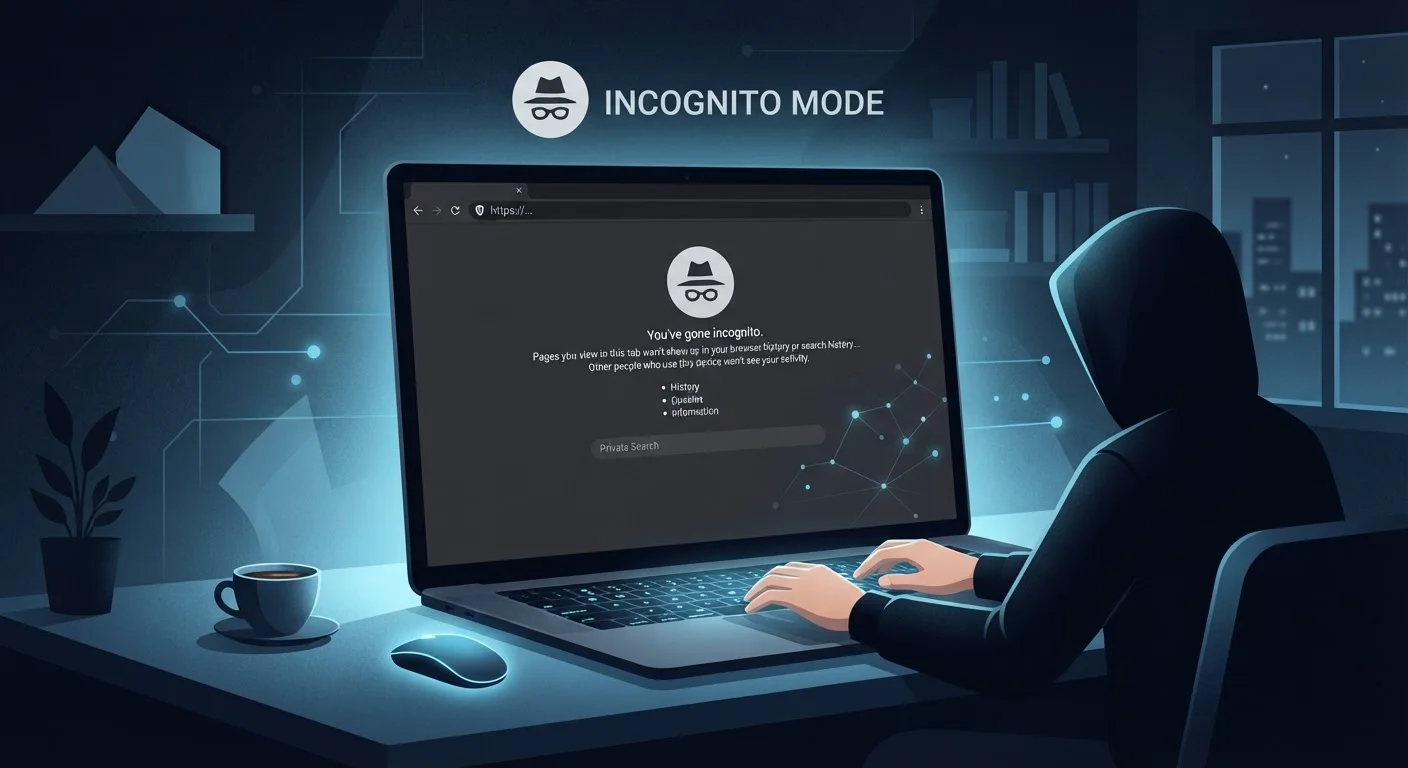
Photo: DockedReads.com | Information Made Easy editorial
Key Takeaways
- Incognito mode deletes local browsing data but does not hide your activity from websites or your ISP.
- Your employer, school, or network administrator can still see sites you visit in private browsing.
- Incognito mode does not prevent tracking by advertisers or analytics services during a session.
- A VPN is a separate tool that masks your IP address — incognito mode does not do this.
- Logged-in accounts are fully visible to the platforms you use, even in private browsing windows.
What Incognito Mode Actually Does
Private browsing — called Incognito in Chrome, Private Window in Firefox and Safari, and InPrivate in Edge — was built to handle one specific job: preventing your browser from storing a session's history, cookies, site data, and form inputs on your device. When you close the window, that data is discarded. That's genuinely useful in shared-device situations, such as checking email on a family computer or looking up a gift idea without spoiling the surprise.
What it was never designed to do is hide your online activity from the wider internet. The confusion between local privacy and network-level anonymity is at the heart of most incognito myths. For a broader look at how these misunderstandings stack up across online privacy generally, see our article on online privacy myths most people still believe.
Understanding this distinction — local versus network — is the key to using incognito mode appropriately and recognizing when you need a different tool entirely. The Internet & Privacy hub covers additional tools and concepts worth exploring.
Myth
When I use incognito mode, websites and my internet provider can't see what I'm doing.
Fact
Incognito mode only prevents your browser from saving a local record. Your internet service provider (ISP), the websites you visit, and any network you're connected to can still observe your traffic.
Every web request you make must travel through your ISP's infrastructure to reach its destination. That routing happens regardless of your browser's privacy mode. As our guide to what ISPs can actually see explains, your provider can log the domains you visit even when you never save anything locally. Incognito mode is essentially a "clean slate on your device" feature, not a network-level shield.
Myth
Advertisers can't track me when I browse in a private window.
Fact
Advertisers and analytics services can still identify and track your session through your IP address, browser fingerprinting, and other techniques that don't rely on stored cookies.
Browser fingerprinting assembles a unique profile from details like your screen resolution, installed fonts, browser version, and operating system — none of which incognito mode changes. Advertisers can also link a session to you the moment you log into any account or click a tracked link. Cookie-based tracking is limited during a private session, but it's only one of many tracking methods in active use today.
Myth
Using incognito mode is the same as using a VPN.
Fact
These are entirely different tools. A VPN encrypts your traffic and masks your IP address. Incognito mode does neither — it only controls what your browser saves locally.
A virtual private network (VPN) routes your connection through a remote server, substituting its IP address for yours and encrypting the data in transit. Incognito mode makes no changes to how your traffic travels across the internet. For a full side-by-side breakdown, see our article on VPN vs. private browsing. Using both together is possible, but they solve different problems.
Myth
If I'm logged into a website in incognito mode, my activity on that site is still private.
Fact
Once you log in, the platform you're using has a full record of everything you do during that session — private browsing window or not.
When you authenticate with a website — whether it's a search engine, social media platform, or email service — you've voluntarily identified yourself to that service. From that point, the platform's own logging and data collection apply fully. Incognito mode cannot prevent a platform from recording actions you take while signed in. The privacy benefit of a private window effectively ends at the login screen.
Myth
My employer or school can't see my activity if I use incognito mode on their network.
Fact
Network administrators can monitor all traffic on the networks they manage, including traffic from private browsing sessions.
Corporate and educational networks often use firewalls, proxy servers, and network monitoring tools that inspect traffic at the infrastructure level. Your browser's local privacy settings have no effect on what a network administrator can observe at the router or gateway. If the device itself is managed by an institution, monitoring software may also be installed directly on the machine, making incognito mode even less relevant as a privacy tool in that context.
The Real Limits of Private Browsing
The myths below reflect a pattern: users assume incognito mode provides broader protection than it was engineered to deliver. The reality is more nuanced, and getting it wrong can create a false sense of security.
~5%
Of web traffic uses Tor for stronger anonymity
According to Tor Project metrics, only a small fraction of privacy-conscious users opt for tools that provide genuine network-level anonymity beyond what incognito mode offers.
3+
Tracking methods that bypass cookie deletion
Browser fingerprinting, IP-based identification, and login-linked tracking all operate independently of cookies, meaning clearing session cookies in incognito mode leaves multiple tracking vectors active.
Incognito Is Not Anonymity
If your goal is to limit what advertisers, data brokers, or third-party trackers collect about you, incognito mode is only a partial measure. Combining it with a privacy-focused browser configuration, tracker-blocking extensions (used in a regular window), or a reputable VPN service addresses the gaps that private browsing alone cannot close. Just as investing myths can lead to poor financial decisions — as explored in our piece on investing myths that keep people on the sidelines — tech myths can lead to behaviors that leave you more exposed than you realize. The right tool depends entirely on understanding what each one actually protects.
Don't Rely on Incognito for Sensitive Tasks
The content on this site is for informational purposes only and is not a substitute for professional advice. Always consult a qualified professional for guidance specific to your situation.